Who can see your planning data?
You can build a plan without linking a bank account or using your real name. Your plans save to your account so you can open them on another device, and we never sell your planning data.
Let support look at your plan
Our support team asks for your permission before opening your planning data. If we need it to help, go to Account Settings > Other Settings > Support Access and turn on Allow Support Access.
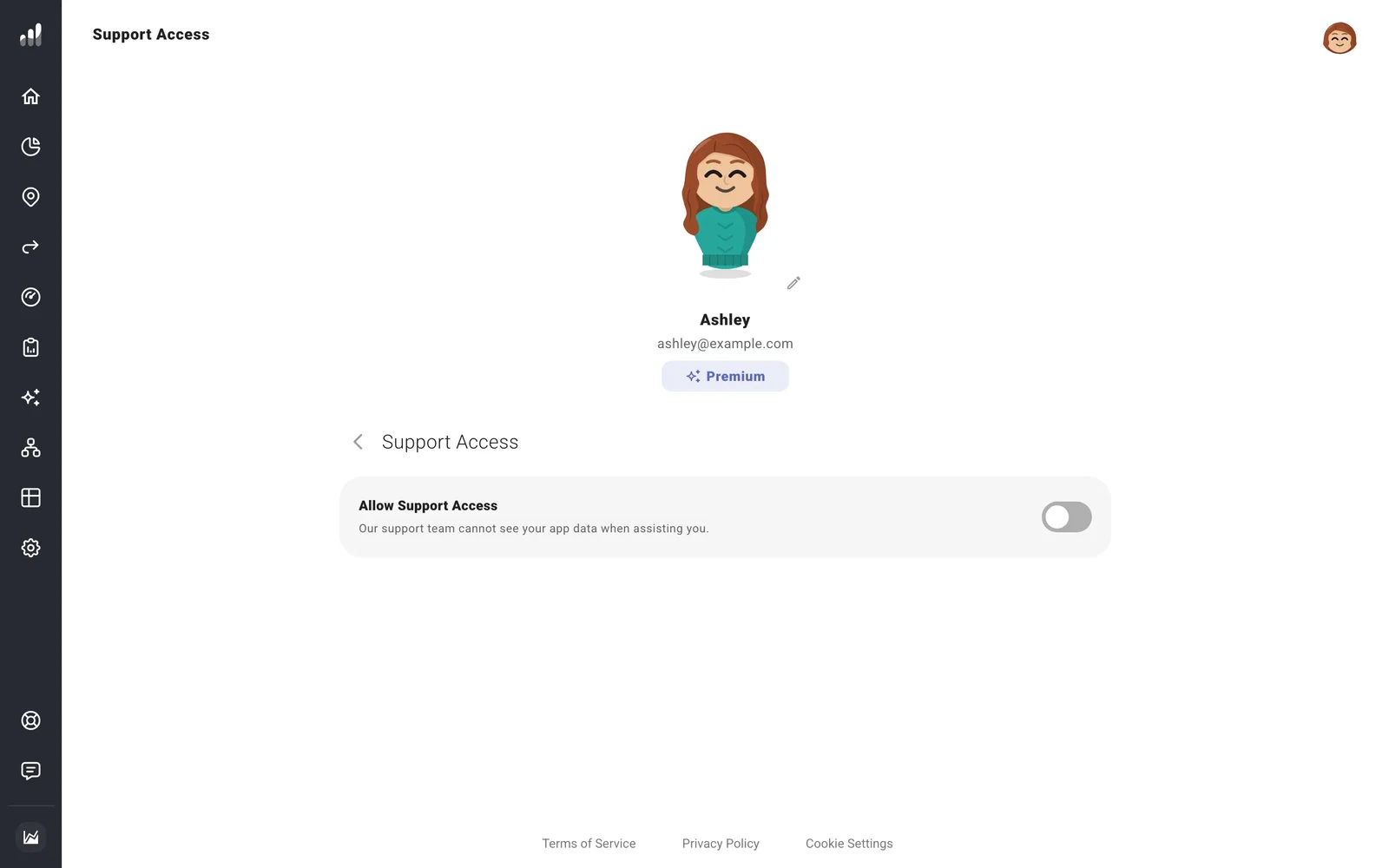
This gives the team access to your saved profile, including plans, balances, history, and settings such as plugin credentials. You can turn it off afterward. Send your question through Contact support so we know what to investigate.
Choose what you share
Working with an advisor or using an employer benefit? See what your advisor can access and what your employer can see.
A plugin can access or change data using its API key. Read its privacy information before connecting it, and replace the key if you want to stop an integration from using the old one.
Your data is encrypted in transit and at rest on Google Cloud Platform and Firebase. Our security page explains the safeguards and how payments are handled.
Download a backup to keep your own copy. Delete your account when you want to close it and remove its planning data.
