Set up ProjectionLab for your team
Give each employee a private planning account while you manage the benefit’s invitations and billing.
Set up the employer account
- On ProjectionLab for Employers, select Get started and create your organization account.
- Enter your name and your organization’s name, type, and size.
- On Dashboard, select Activate subscription and complete checkout. Once it is confirmed, the employee invitation controls appear. Check the organization name before sharing its link.
The self-serve employer plan bills for people who sign up, rather than your organization’s stated size. Employees open the invite link and create their own accounts or sign in to an existing one. They join the benefit themselves; creating the employer account doesn’t enroll them. Your admin dashboard shows enrollment and billing, while their financial plans stay private.
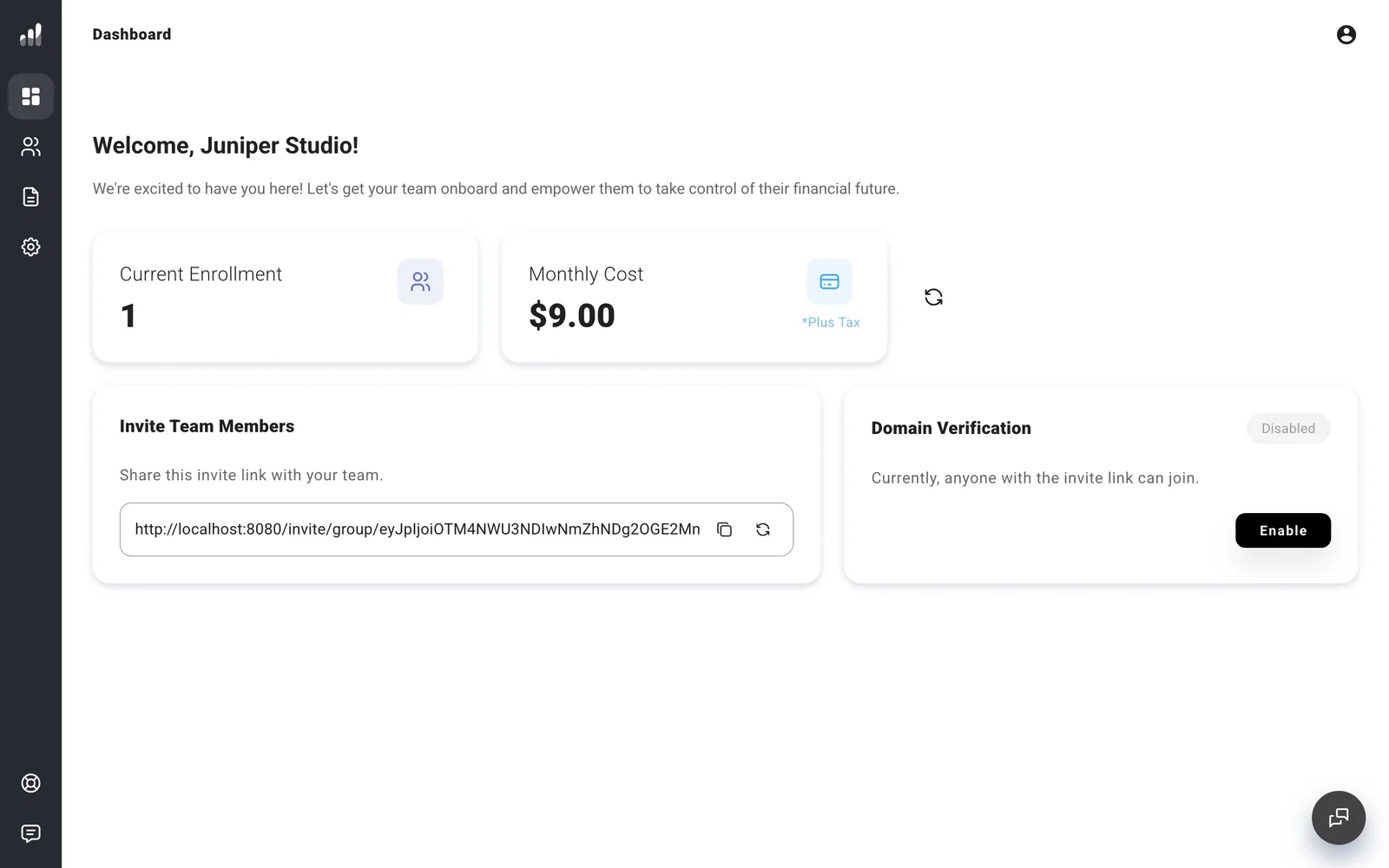
Before sharing the link, decide whether to restrict enrollment to your work email domains. Invite employees and manage access explains those controls and what to share with the team.
Resources has templates and an employee quick-start guide for your rollout. You can review your organization details under Settings and find payment controls in Manage employer billing.
