Add or edit past balances
Fill gaps in your net worth history with balances from before you started tracking them here. Past entries leave today’s balance as it is.
Add or edit an entry
Select your Main Plan, then open the account, property, or debt on Net Worth. In History, select Add a past entry, enter the date and value, and select Add.
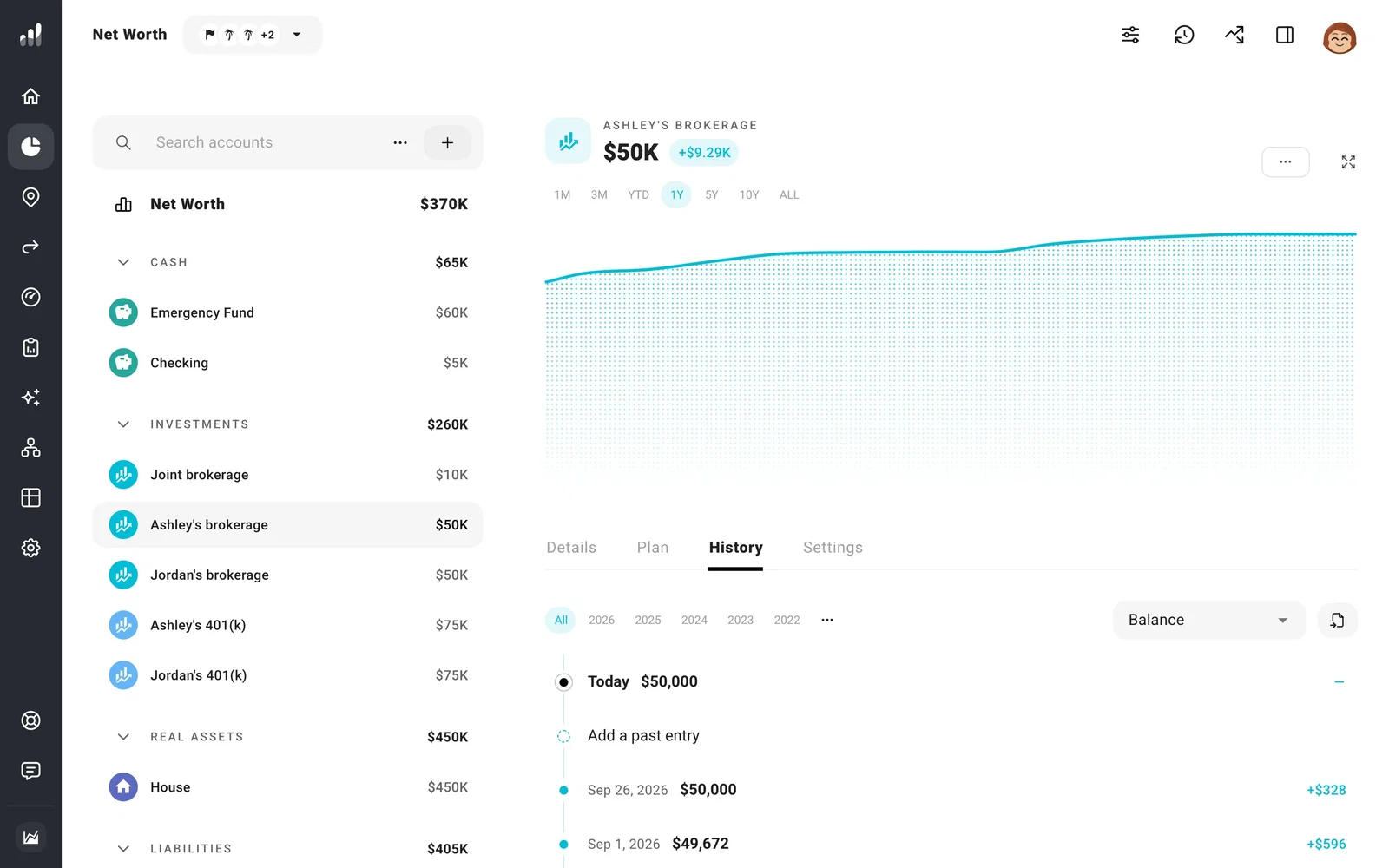
To change a saved value, select its date, edit the value, and Save. To remove it, select Delete entry from the three-dot menu at the top of the entry.
Recorded history belongs to your current finances, so it isn’t shown for a plan with Custom Starting Conditions.
Edit several accounts together
Select the three dots beside Search accounts, then Edit history. Edit the cells and select Save. Use Add date to enter balances for several accounts on one day, or choose All Fields to include Cost Basis and Past Contributions.
For a long history, importing a spreadsheet is quicker than entering every date by hand. For a balance from today, update your current balances instead.
To remove all recorded history, export a copy first if you want to keep it. Then select Clear all history from the history page’s three-dot menu. Your current balances stay unchanged.
