Change the type of an account or plan item
Updated Nov 17, 2026Updated Nov 17, 2026
After rolling a 401(k) into an IRA, you can change the account type and keep its balance and history.
On Net Worth, open the account, asset, or debt and select its current Type under Details. For income, expenses, or future purchases under Plan, select Change type in the three-dot menu.
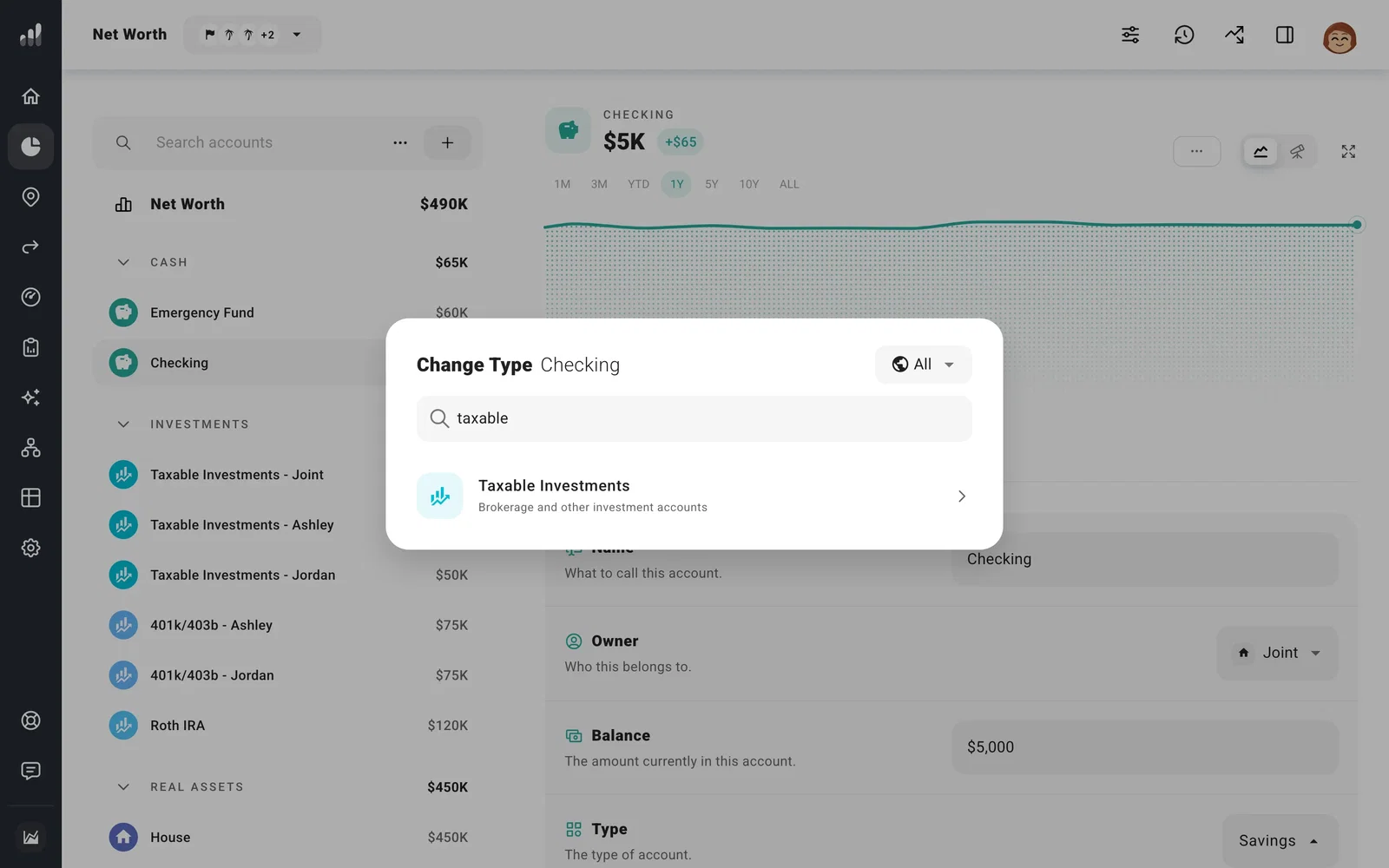
After changing an account, open its growth and withdrawal settings to make sure they match the new type. If you were contributing to the 401(k), set up any IRA contributions under Flows. For property or debt, also check which asset the loan is borrowed against.
Other plans that share these starting finances use the new type too. To plan a rollover in a future year, add a transfer instead.
