Schedule a manual Roth conversion
Already know how much you want to convert to Roth and when? Add a manual schedule to the retirement account. A Tax Strategy is more useful when you want the amount to adapt each year to a bracket or income target.
On Net Worth, open the account’s Plan > Roth Conversions, choose Manual Schedule, and enter the years and amounts.
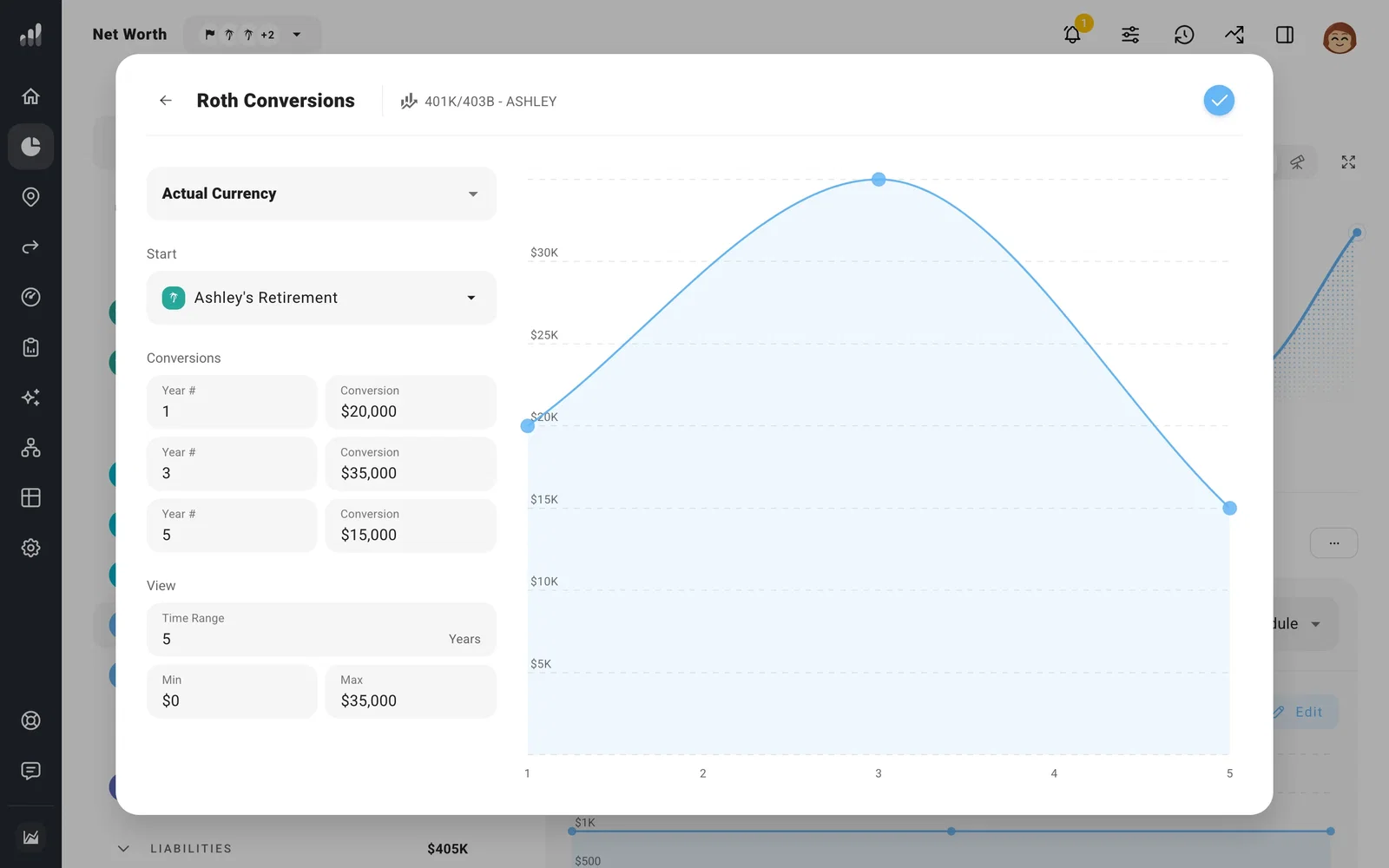
Each account has its own schedule, so different accounts or partners can have different conversion amounts and dates. You can schedule conversions during a break from work or spread a larger conversion across several years. Open Tax Analytics in those years to see the extra taxable income and the estimated tax.
If you’re also using strategic conversions in Optimize, include those when comparing the total. The manual schedule and strategy can both convert from the same account.
The conversion goes to the first regular Roth IRA for the same owner in your Net Worth list. If you haven’t added one, ProjectionLab creates it. To choose the destination yourself, use a Transfer.
Next: Plan Roth conversions
