Set a Main Plan
Your Main Plan represents your real household and current Net Worth. Making another saved plan Main can change shared household details as well as which plan is primary.
To open another plan without changing which one is Main, switch plans in the plan selector.
Choose your Main Plan
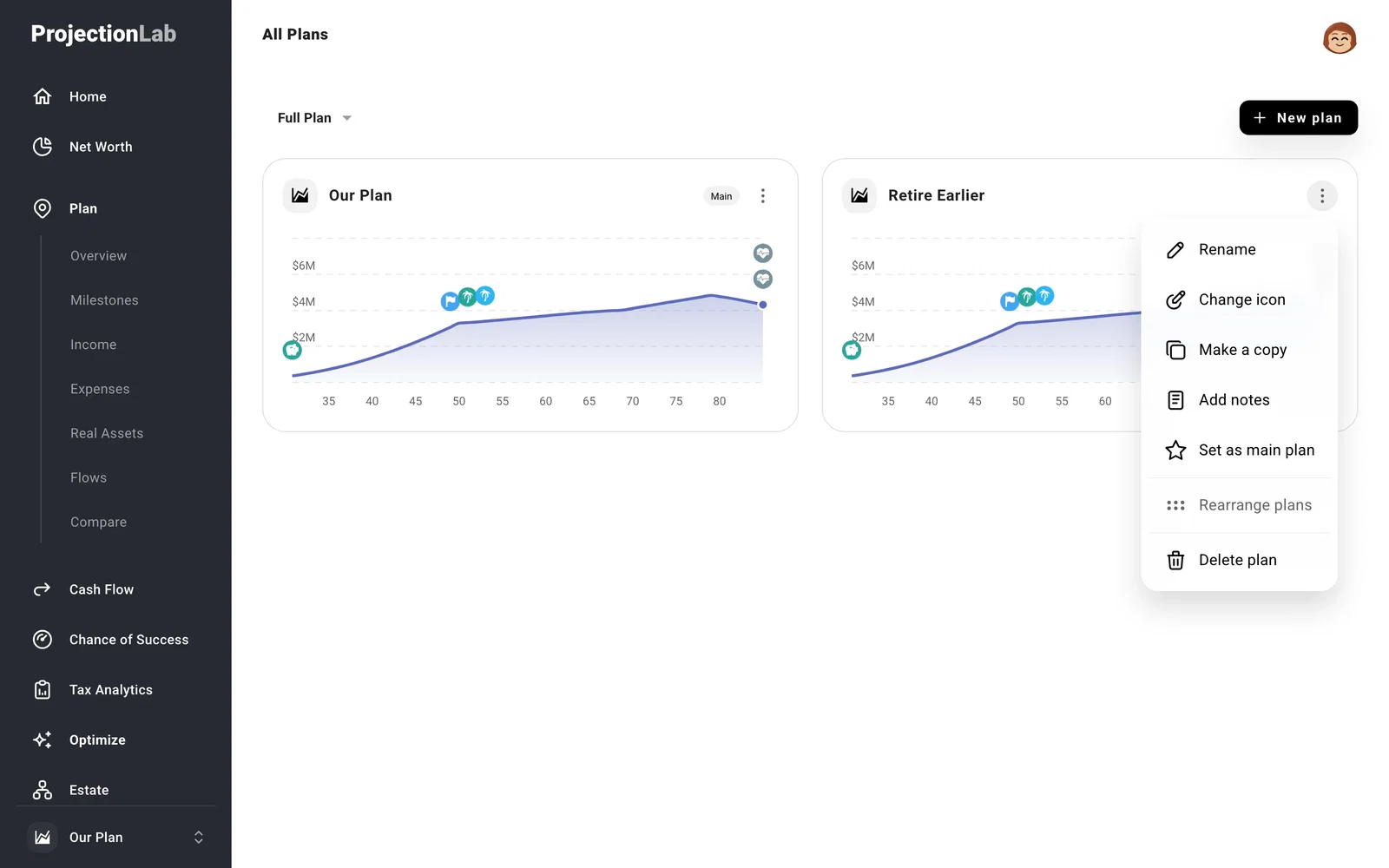
Open the plan selector at the bottom of the navigation and select All plans. Open the plan’s three-dot menu and choose Set as main plan.
The Make this your main plan? confirmation shows which people and dates will become shared across your plans. It also lists any account overrides that will be replaced by the details recorded in Net Worth. Read those changes before confirming, particularly if you’ve added someone only to this scenario.
If something looks off
Why can’t I make this plan Main?
A Main Plan starts Now and uses Starting Conditions > Today. A Fixed Date plan or one with Custom starting conditions keeps its own starting picture. Create a copy with Now and Today to make that scenario eligible.
Why can’t I delete my Main Plan?
Set another eligible plan as Main first. Your account keeps one Main Plan.
