Plan for a child's costs
Childcare, school, and college can each have their own place in your budget. Add them for the ages you expect to pay, including costs for a child who hasn’t been born yet.
Add your child to Household, then open their page and select Costs. Choose Childcare, Private School, College, or another cost. Enter the amount and frequency, then adjust the start and end ages to fit your plans.
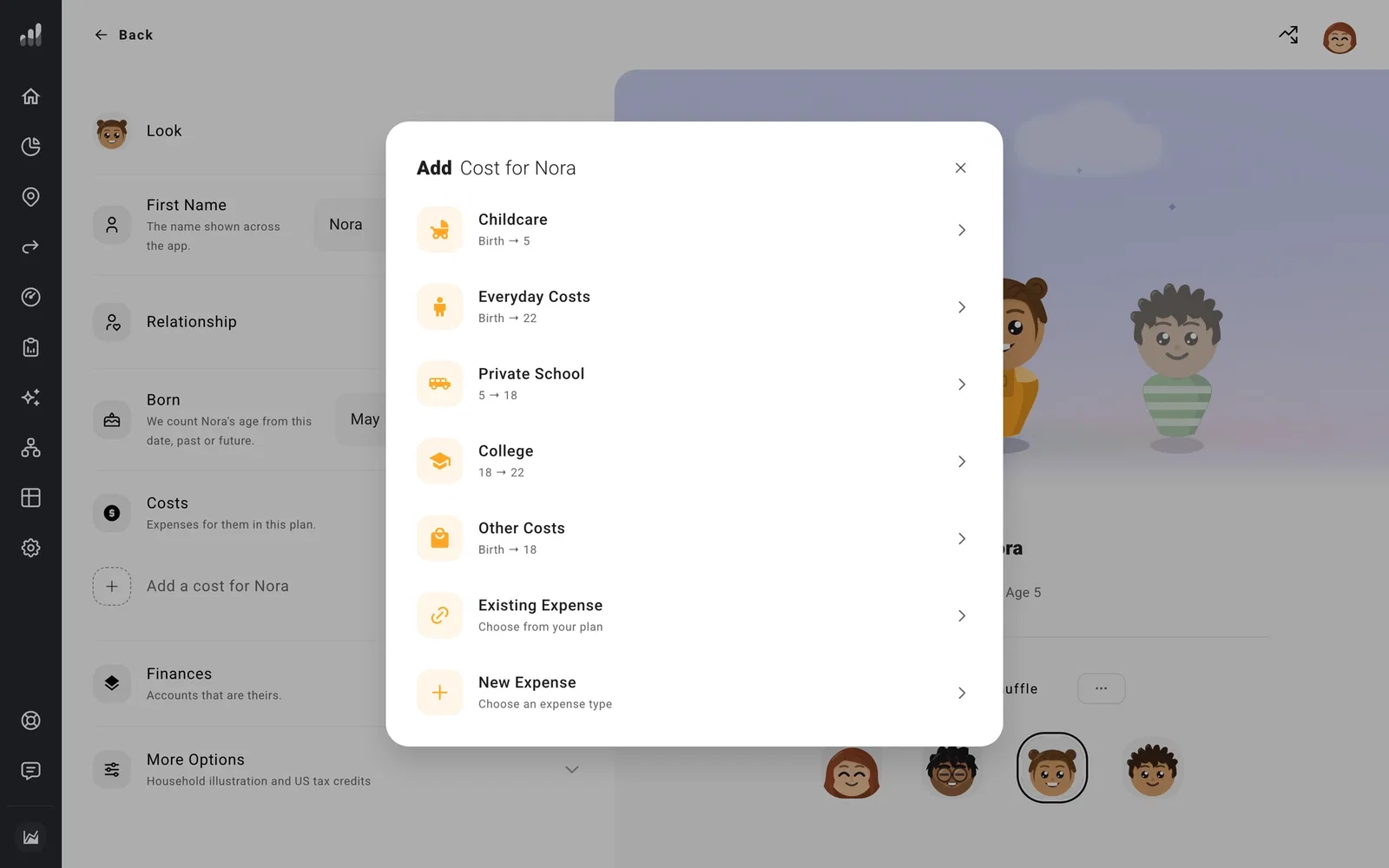
The starting ages are filled in for you. Keep the child’s age as the timing if you want the expense to move when their birth date changes. You can use a milestone instead when several changes should happen together, such as college and a move.
Under Spender, choose who pays. Keep your child selected under For so ProjectionLab can match education costs to their 529 and include applicable tax credits.
If you already entered the cost as an expense, choose Existing Expense to assign it to your child. If it’s part of your regular spending total, reduce that total before adding it separately so it is counted once.
Plan how to pay for college
Set Payment Source on the education expense to the account you want it to use. A 529 can pay first, with other savings covering any costs left over.
