Back up and restore your data
Download a backup before a big change or starting over, so you can return to the version you have now.
Download a backup
Go to Account Settings > Data > Export Data and select Export. Keep the downloaded JSON file somewhere private: it contains your plans, Net Worth, history, and settings, including plugin credentials.
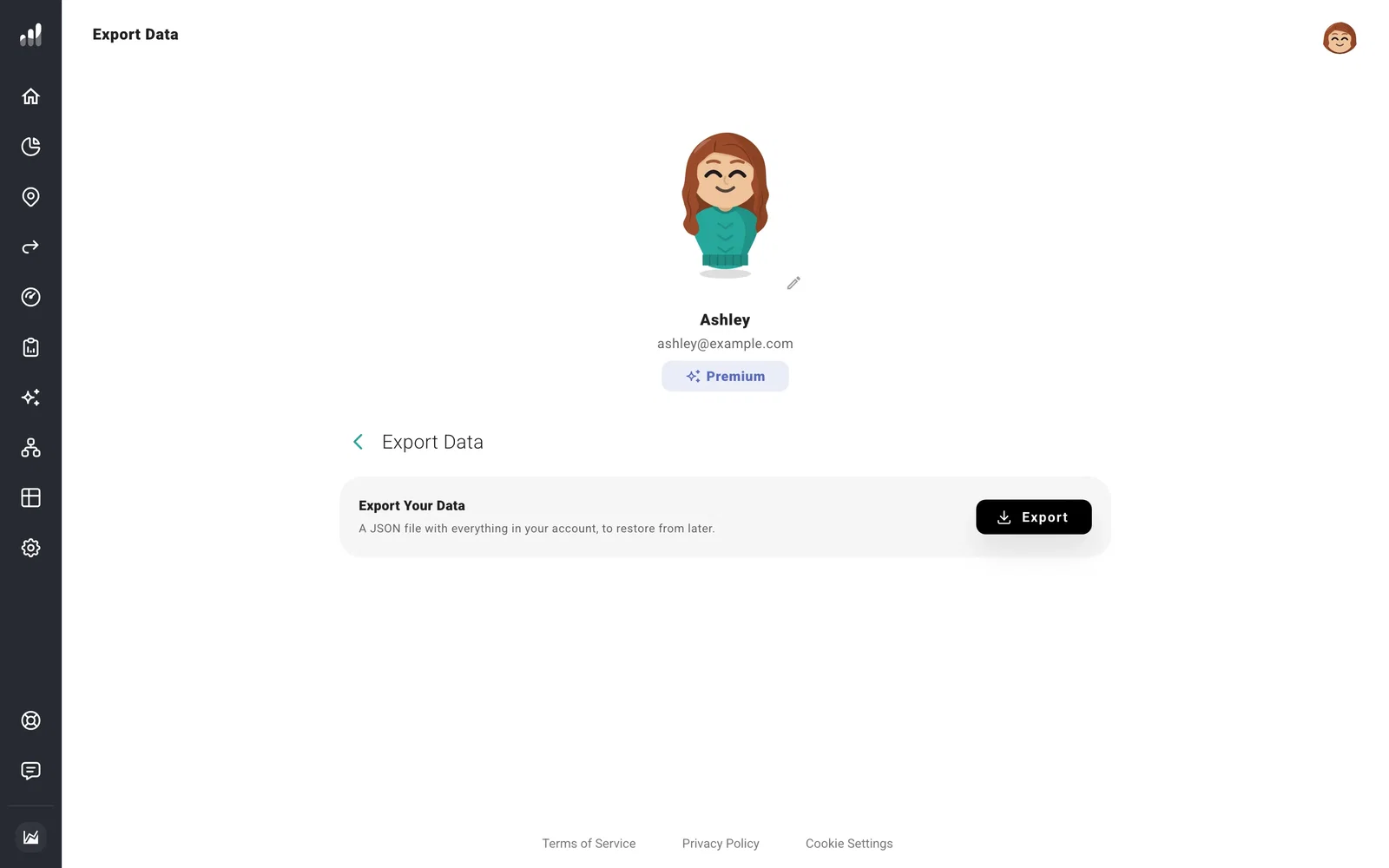
Your plans already save to your account as you work. This file gives you a separate copy to keep. Use the JSON backup for restoring; chart and report exports are for sharing results.
Restore a backup
Restoring replaces your current plans, Net Worth, history, and settings with the saved copy. Download a fresh backup first if you want to keep your current version too.
Go to Account Settings > Data > Restore Data, choose the JSON file, and select I agree, restore.
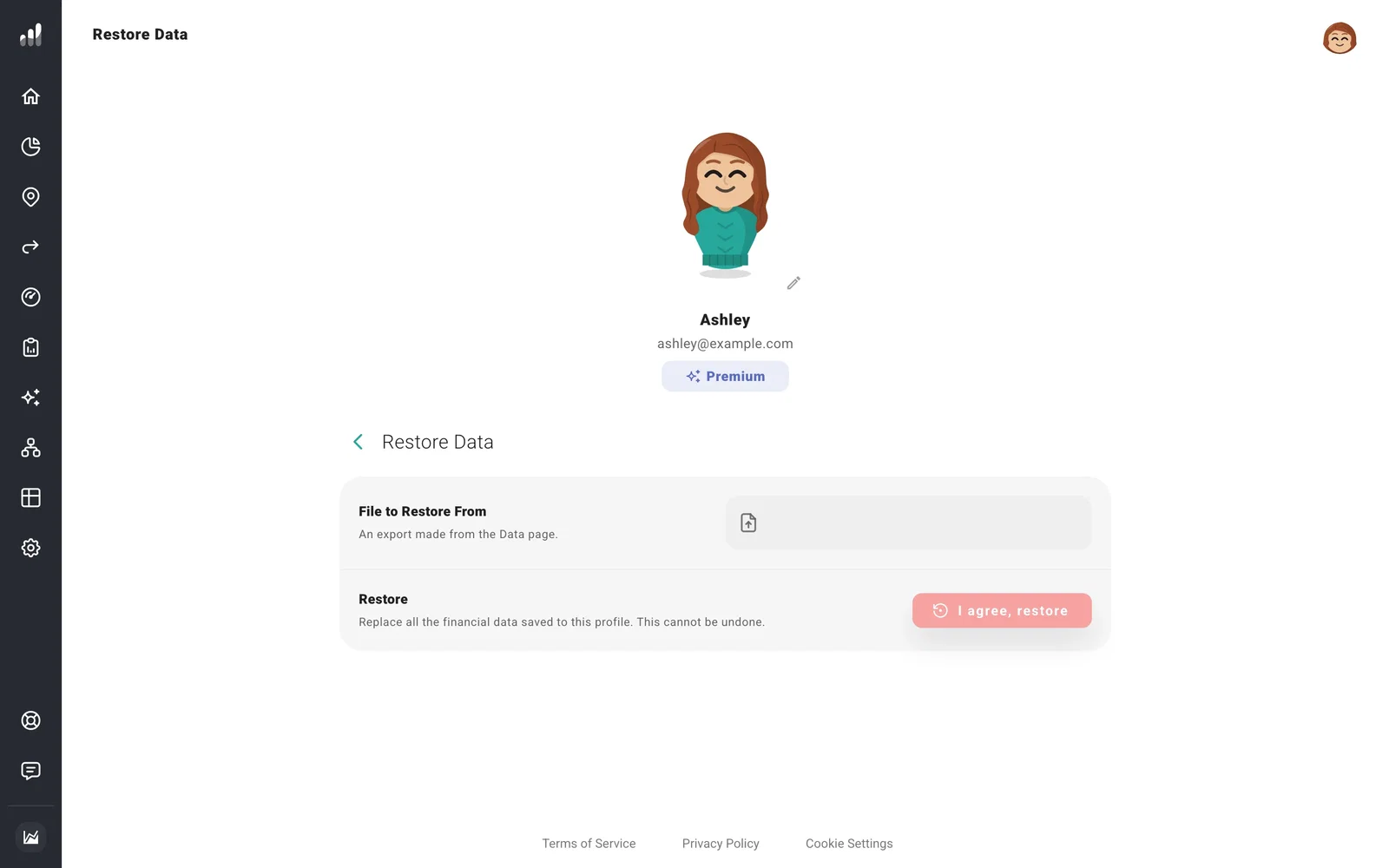
Your login and subscription stay with the account you’re signed into. The backup supplies your planning data and settings, including your Plugin API key and Support Access choice. After restoring, open your plan and confirm it’s the version you wanted.
If something looks off
My latest changes are missing from the backup
Export saves pending changes first. If you see a save error, resolve it, then export again.
I can’t restore a profile my advisor shared
Ask your advisor to restore the client profile, or give you permission to save changes to it.
