Set Custom Starting Conditions for a plan
Keep a snapshot of your finances, or try a scenario with different starting accounts, without changing the balances you use day to day. Custom Starting Conditions gives that plan its own accounts, property, debts, and household.
Give a plan its own starting finances
To keep your existing starting accounts, create a copy of your plan. Choosing New Plan instead starts Custom with empty accounts. Open the gear icon at the top right of Create Plan and select Show advanced options. Under Starting Conditions, choose Custom, then create the plan.
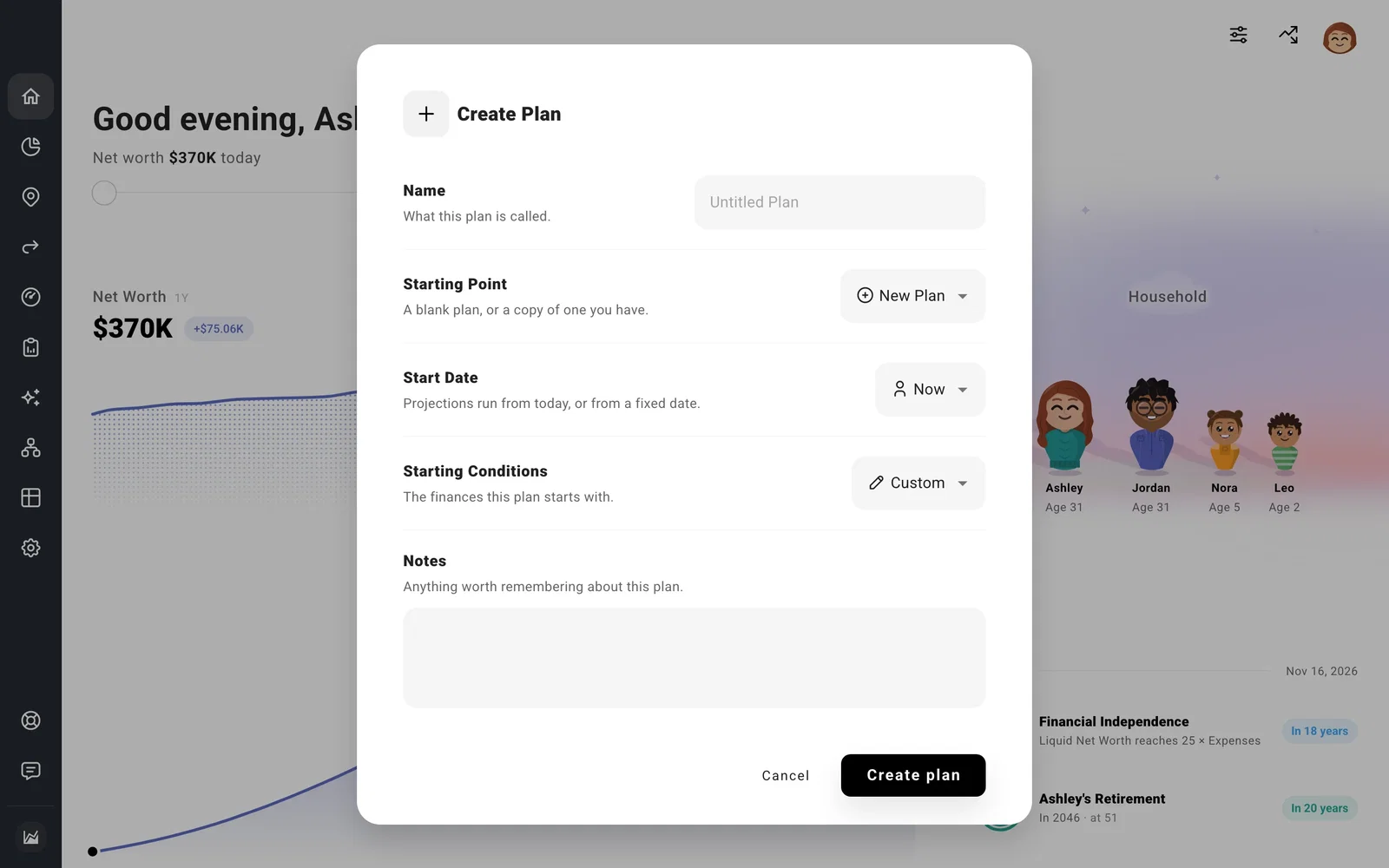
With that plan selected, open Net Worth to edit its starting accounts, assets, and debts. Changes there belong to this plan’s snapshot. Your other plans can keep using today’s balances.
You can keep Start Date set to Now for a forecast that begins today. Choose Fixed Date when you want it to stay anchored to an earlier date instead. The date is set after creation under Settings > Start Date.
For a scenario in another country or region, change the location under Settings > Tax > Tax Estimation. Household changes in this custom plan also stay with it.
Common questions
Why doesn’t this plan follow my balance updates?
Custom keeps its own starting finances. Edit the accounts with this plan selected to change its snapshot. Plans using Today follow your current Net Worth instead.
Does changing the snapshot change my balance history?
Recorded balance history stays separate. Update current balances or add past balances to record what actually happened.
