Choose how to enter future amounts
When you enter a future expense, do you mean what it costs today or what you expect to pay then? Those can be very different amounts after years of inflation.
Open the options button inside Amount to choose how ProjectionLab treats the number. The same choices appear for future income and asset purchases.
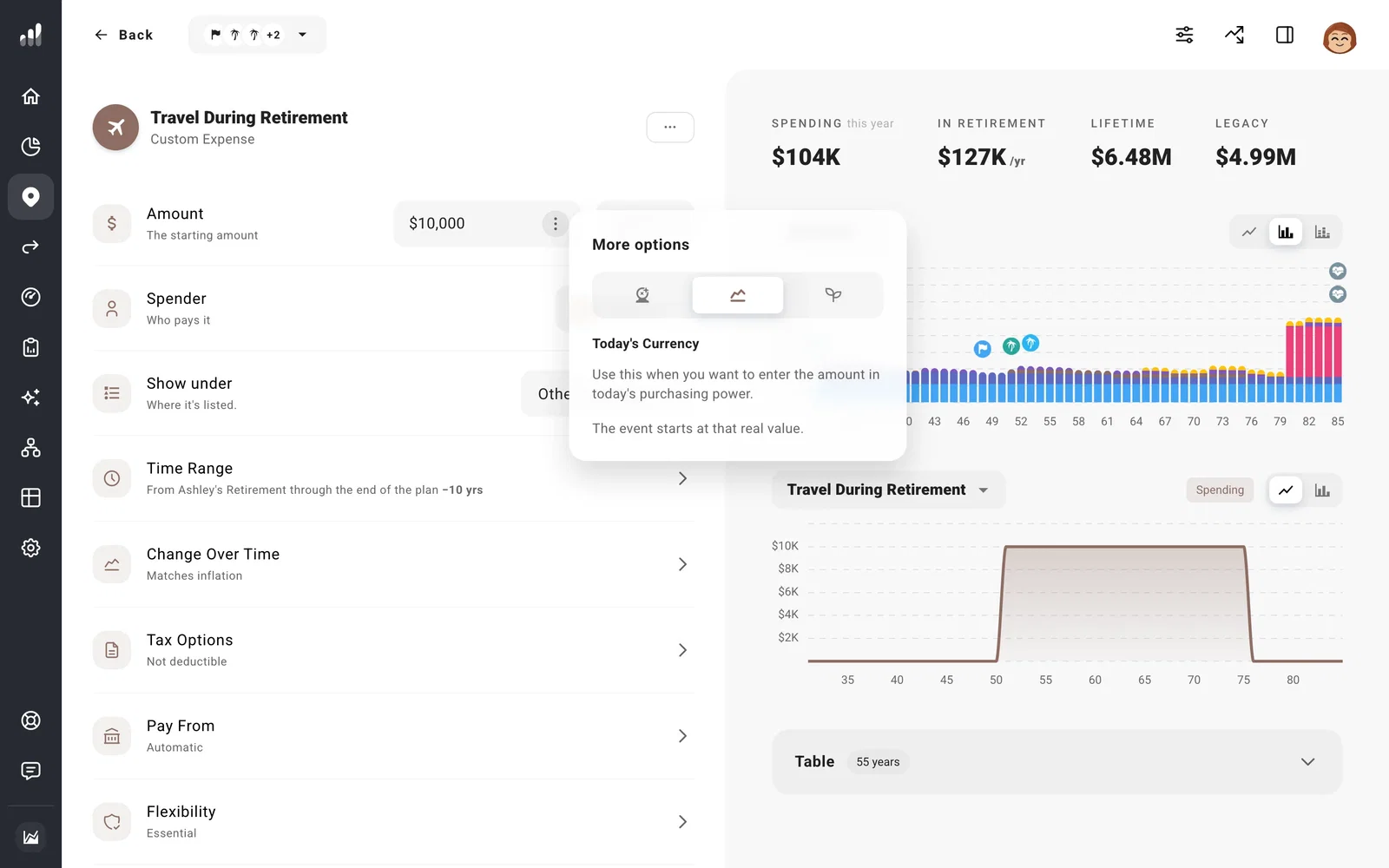
Today’s Currency
Enter what the amount would buy today. ProjectionLab increases it with inflation before it begins. For a future trip or college cost, this lets you use prices you know now.
Actual Currency
Enter the amount you expect in the year it begins. ProjectionLab uses that number in that year. This fits a payment whose future amount is already known, such as a fixed pension payment.
Grow from Today
Enter what the amount is worth now, then use Change Over Time to grow it from today, including the years before it begins. Use this when you want a different growth rate from general inflation, such as education costs rising faster than other spending.
What happens after it begins?
The starting amount and its later growth are separate choices. Today’s Currency brings a future expense up to its starting year. Change Over Time sets what happens afterward: it can keep rising with inflation, stay at the same number, or follow a path you choose.
You can find your plan’s inflation rate in Settings > Rates. Growth and inflation rates explains how to change it.
Note
Adjust for Inflation in a chart’s Display Options changes how results are displayed. It keeps values comparable in today’s money when turned on. Your income, expenses, and their growth settings stay the same.
