Set up taxes for your plan
A move, a change in filing status, or a different view of future tax rates can change your retirement plan. Start with your location and household, then adjust the tax assumptions you want to test.
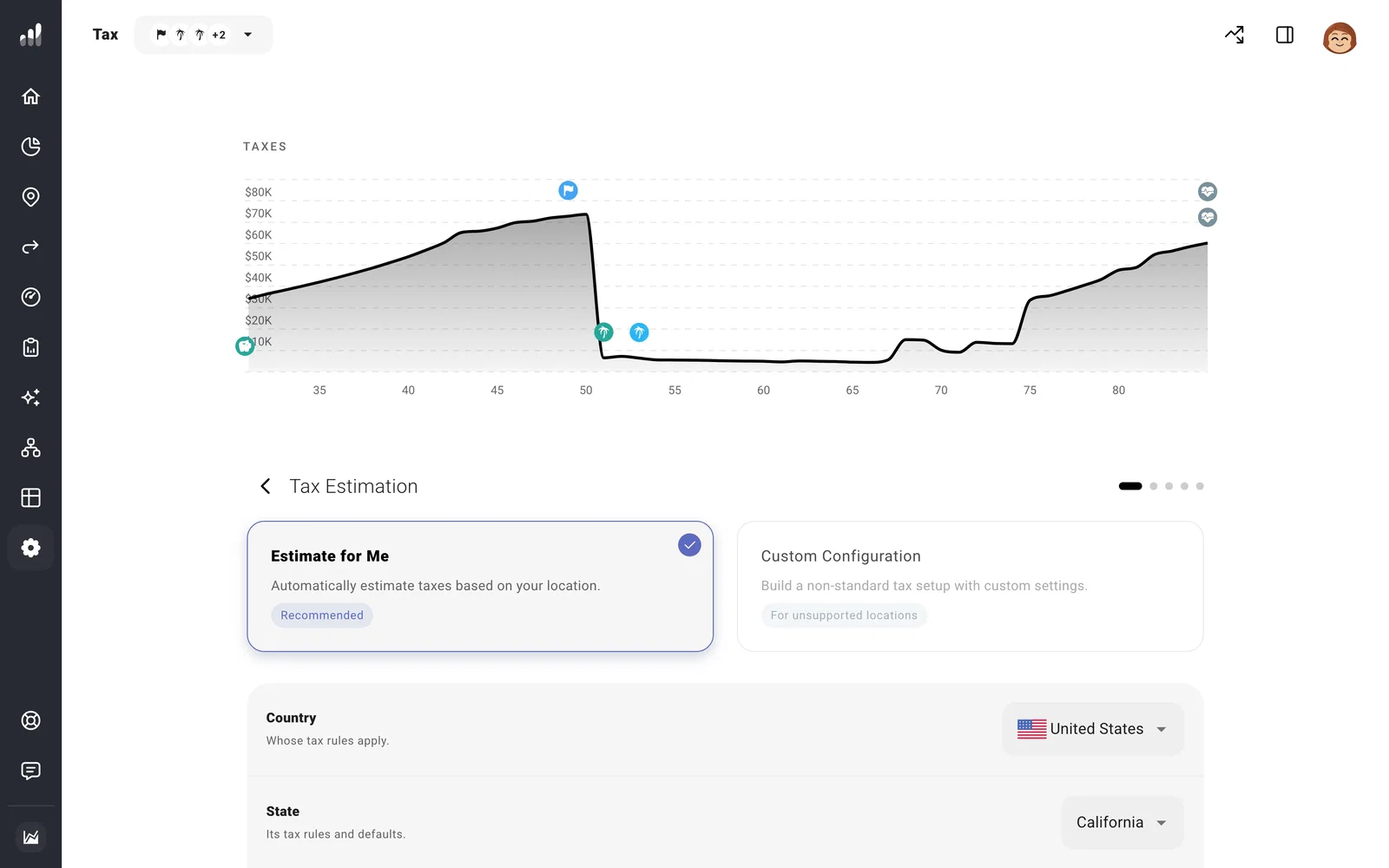
Open Settings > Tax > Tax Estimation. Select Estimate for Me for a supported location, and choose the country and state or province that apply at the start of your plan.
Plan for a move or a household change
For a move later in life, add a Move milestone instead of changing the starting location. Income before and after the move can then use the appropriate tax rules.
If you’re planning with a partner, open Filing Status and choose the filing option for your household. Filing jointly or separately changes how income and deductions fit into the tax brackets. The available choices follow your country and household.
Test future tax rules
Under Assumptions, choose between location-specific scenarios, such as a tax provision continuing or expiring. Under More Options, you can adjust income or capital-gains tax rates where those choices apply.
Try higher rates in Compare > What If before changing your saved plan. Tax Analytics shows the effect on income taxes across your plan.
To return to the location’s starting settings, use Restore Defaults in More Options. It resets changes across the Tax sections, including withholding.
For a different tax system, use a custom tax model.
