Give or redeem a subscription gift
Give someone time to explore their own financial future with a Premium subscription gift.
Buy a gift
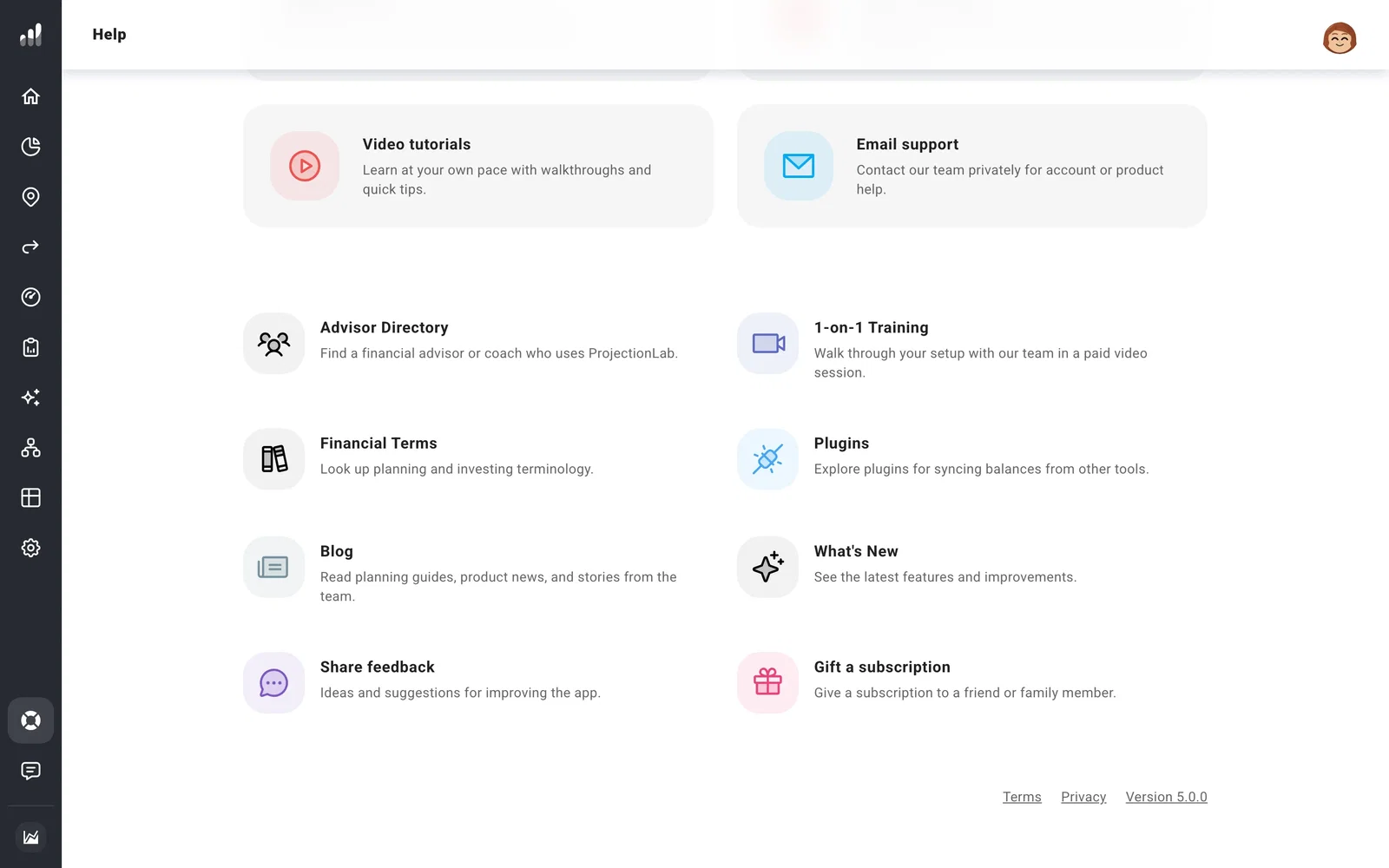
Open Help > Gift a subscription, choose the duration, and complete checkout. The gift code goes to the email you enter at checkout, so you can pass it on to the recipient.
Redeem a code
Sign in to the account you want to use, then open Redeem a Gift Code and enter your code. Once redeemed, Account Settings > Subscription shows when the gift expires. Gifts end on that date without renewing automatically.
Common questions
I bought a gift, but my own account hasn’t changed
The purchase sends you a gift code. The Premium access goes to the account where that code is redeemed.
I already have a subscription
Gift codes are for accounts without an existing subscription. Contact support before buying a gift for someone who already subscribes.
The gift email hasn’t arrived
Check the email address used at checkout and its spam folder. If it’s still missing, send support the purchase date and receipt.
