Use Gain Harvesting
A low-income year can be a chance to realize investment gains at a lower tax rate. In the US, some long-term gains can fall in the 0% federal capital gains bracket. Gain Harvesting sells those investments and buys them back in your plan, raising their cost basis for future withdrawals.
Set a target for the gains
Open Optimize > Gain Harvesting and set up a Tax Strategy if you haven’t chosen one yet. Open Gain Harvesting Settings and turn it On.
Under Bracket Target, choose the capital-gains bracket you want to test. Your other taxable income affects how much gain fits beneath that limit. If your Tax Strategy already sets the capital-gains target, this setting follows it.
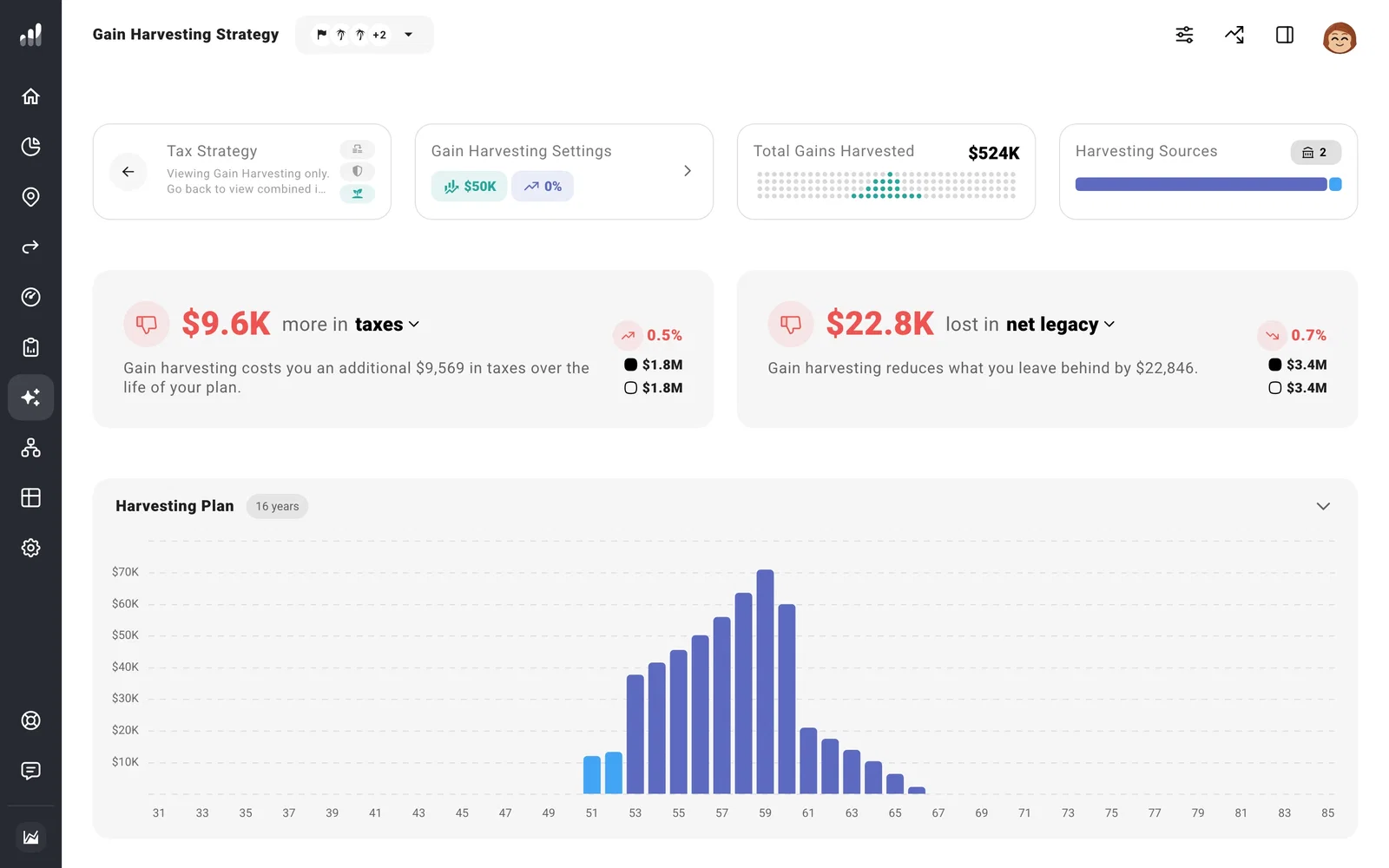
Choose what and when to harvest
Use Source Accounts to select the taxable investment or crypto accounts you want included. Add Time Range can focus on lower-income years, such as a sabbatical or the gap between retirement and Social Security. Add Annual Cap limits the gain realized in a year.
The harvested amount stays invested, with a higher cost basis. When you later withdraw from the account, less of that withdrawal may be a taxable gain.
Realizing gains also raises income used for health insurance subsidies and Medicare surcharges. Add the relevant guardrail in Tax Strategy if you want the harvest to respect those limits.
Compare the benefit over time
The Harvesting Plan shows gains by year. Open Details to see which account supplied them, then compare lifetime taxes and the amount left to heirs. A smaller tax bill in one year is only part of the result.
Next: Compare tax strategies
