Start over from scratch
Updated Nov 17, 2026Updated Nov 17, 2026
To rebuild your plan from the beginning while keeping your login and subscription, use Start Over from Scratch.
Starting over clears your plans, balances, history, and most settings, then returns you to setup. Download a backup first if you may want any of that data again.
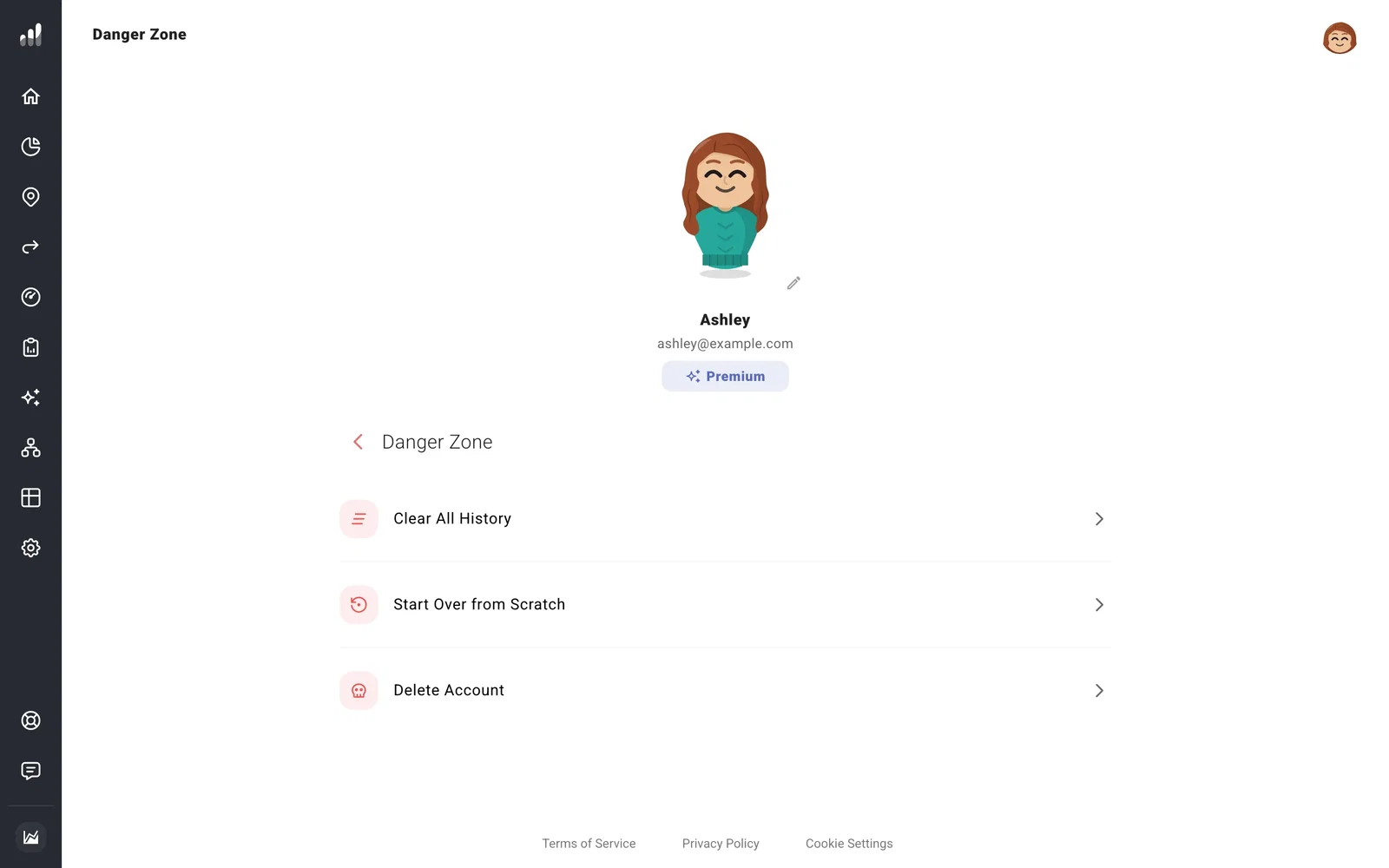
Go to Account Settings > Danger Zone > Start Over from Scratch, select Delete my data, and confirm. You may be asked to sign in again.
Common questions
I only want the default appearance and settings back
Use Restore Default Settings. Your plans, Net Worth, and history stay saved.
I’m exploring an example and want to make my own plan
Open Example (the compass icon at the top right) and choose Start my own plan. This lets you delete the example data and begin your own setup.
To close your account as well, see Delete your account.
Next: Getting Started
