Skip to article

Check saved changes and resolve a conflict

Updated Nov 17, 2026Updated Nov 17, 2026

If a red save-error icon appears at the top of the screen, select it to retry. Keep the tab open until your changes have saved.

Choose which version to keep

When another tab or device has saved a newer version, you may see Local data appears outdated. Select Review options, then decide which version has the changes you want:

  • Use cloud version loads the saved version, replacing the pending changes in this tab.
  • Keep this tab’s changes saves this tab’s version over the affected cloud data.
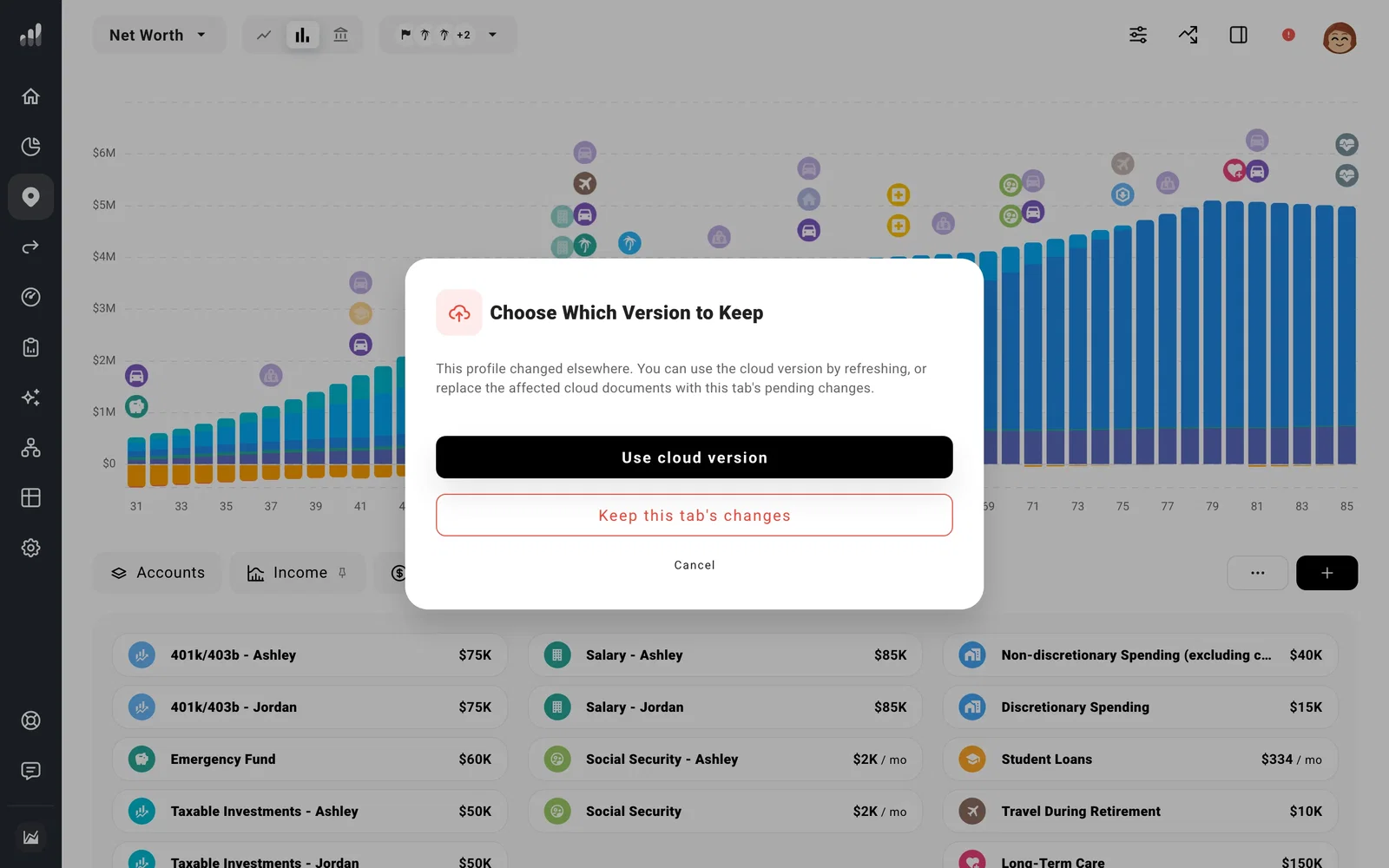
Choose Which Version to Keep, with Use cloud version and Keep this tab's changes choices over the plan.

If both versions have work you need, note or take screenshots of those changes before choosing a version. Then keep one and re-enter the remaining changes. Once resolved, use one tab for edits. Refresh the other before editing there again.

If something looks off

The chart updated, but my other device hasn’t changed

Charts update as you edit; saving finishes separately. Look for a save error on the device where you made the change and retry there before signing out.

Retrying still gives a connection error

Leave the tab with your edits open and test another connection.

Need a hand?

Comparing plans?

See what each plan includes.

Disclaimer: The content, tools, and resources on ProjectionLab.com are intended solely for informational and educational purposes and should not be construed as professional financial or investment advice. Our materials are designed to provide general guidance and are based on the input and data provided by users. ProjectionLab makes no guarantee of the accuracy, completeness, or applicability of this content to individual circumstances. Effective financial planning and investment involve comprehensive consideration of a wide array of personal financial factors. The tools and resources available on ProjectionLab are aimed at helping users develop an understanding of their financial trajectory. However, they should not be solely relied upon for creating a complete financial plan. We strongly recommend consulting a financial services professional who can provide personalized advice based on your unique financial situation before making any significant financial decisions. While we endeavor to keep the information on ProjectionLab current and accurate, the content may differ from that found on other financial institutions, service providers, or specific product sites. All content and tools on ProjectionLab are provided without any guarantees or warranties of any kind.