Back up or restore a client profile
Pro backups work one client at a time. Open the client from Clients, then go to Account Settings > Data inside that profile. Check the client name above the settings before exporting or restoring.
Back up the profile
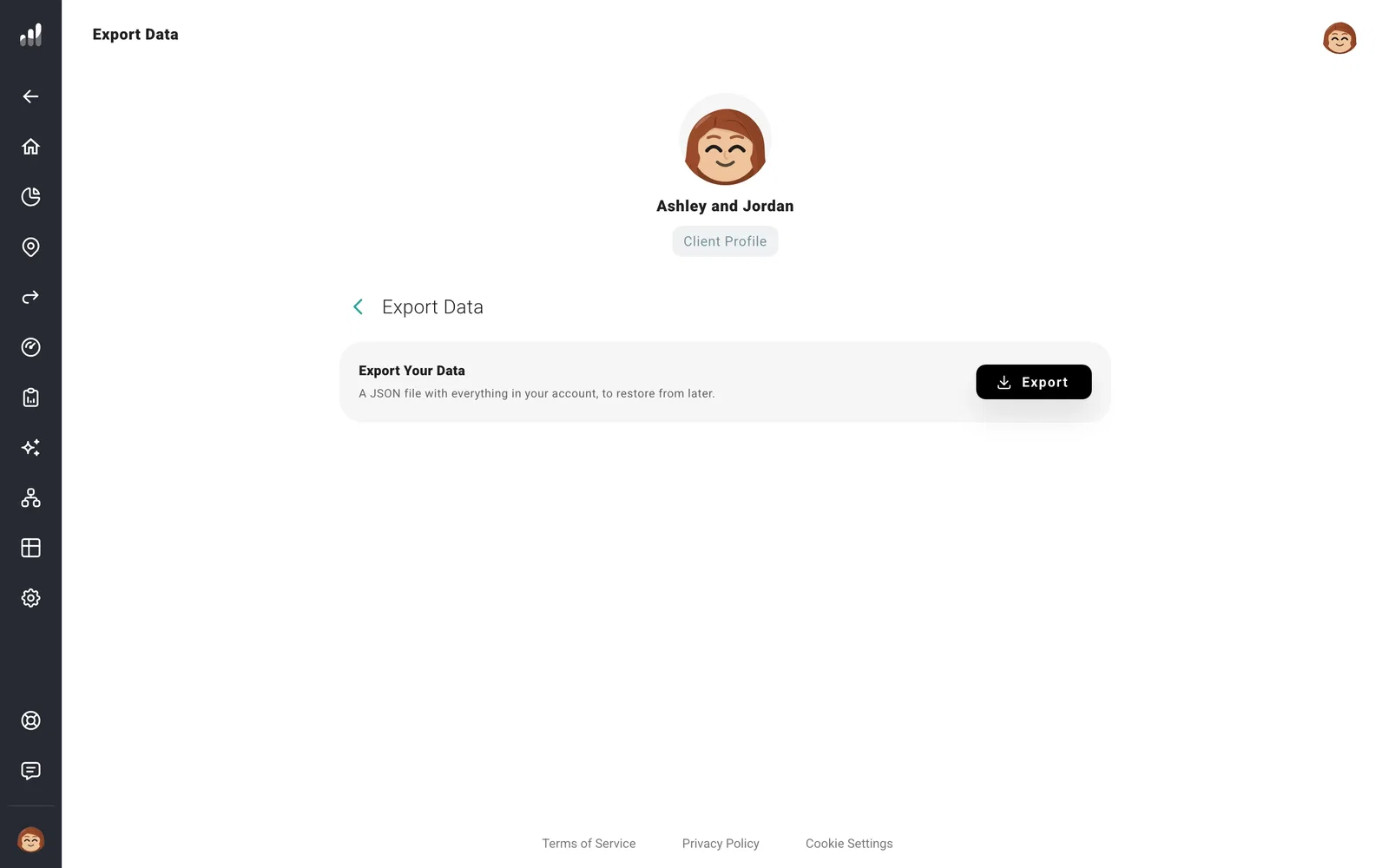
Open Export Data and select Export. Keep the downloaded JSON file somewhere private, filed under the correct client. It can contain their finances and plugin credentials. It is a restorable copy of this profile, not a backup of your whole Pro dashboard.
Restore a backup
Export a fresh backup first if you may need the profile’s current version. Then open Restore Data, select your backup under File to Restore From, and confirm I agree, restore.
Restore replaces the planning data in the open profile rather than merging it. If a client is linked, they’ll see the restored planning data too.
A report or chart export cannot restore a profile. For the general backup and restore behavior, see Back up and restore your data.
