Use a custom tax model
If your location isn’t covered by Estimate for Me, or you want to test a different tax system, you can build one with Custom Configuration. Go to Settings > Tax > Tax Estimation and select it.
Custom Configuration replaces the location’s automatic tax rules. It does not carry over every deduction, bracket, or credit from Estimate for Me. For a supported location, check whether the existing tax settings can make the change you need before switching modes.
Build the estimate
Back on Settings > Tax, open the parts you need:
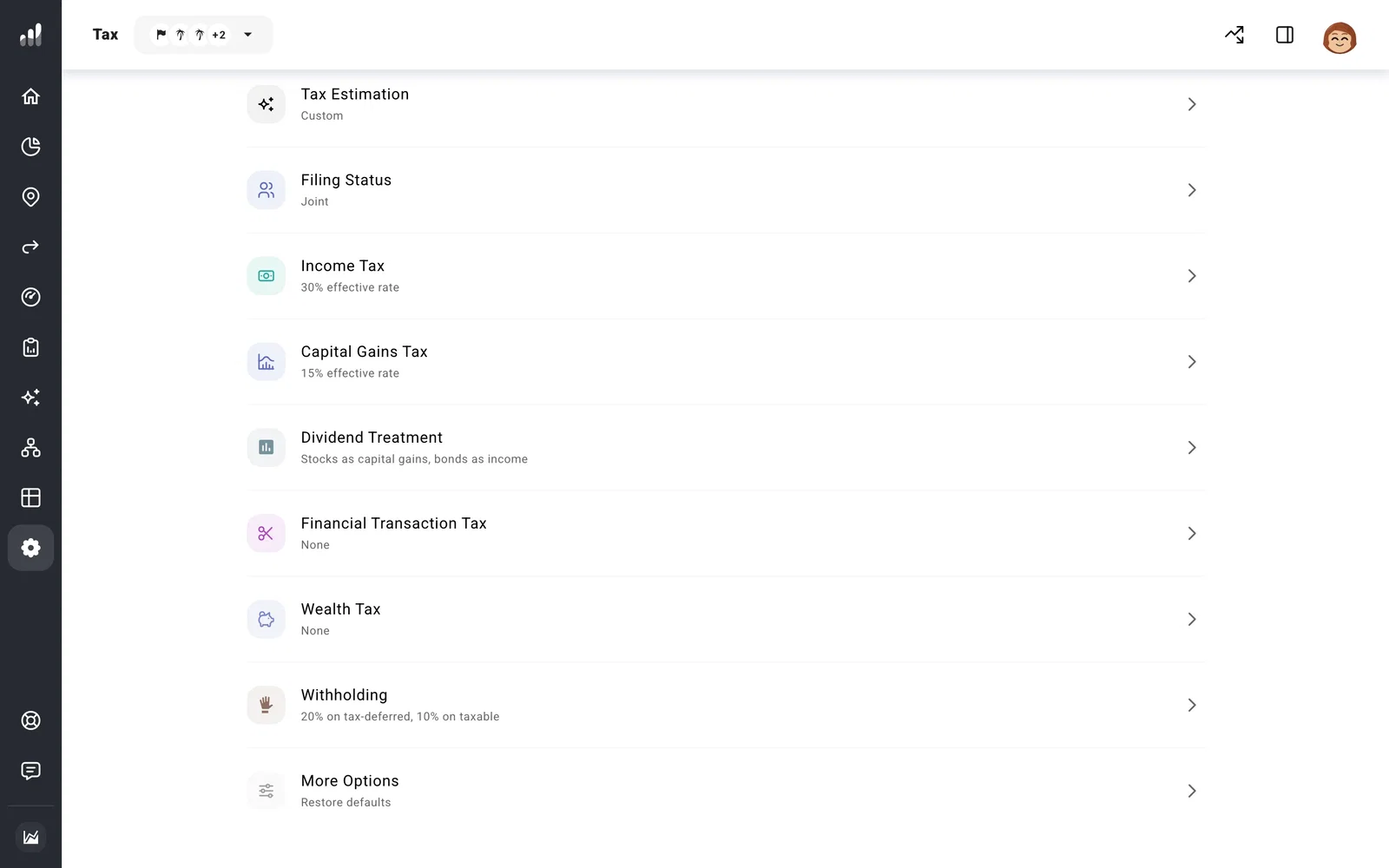
- Under Income Tax, choose Fixed Rate for one effective rate or Custom to enter a deduction and progressive tax brackets. In a progressive setup, each rate applies only to income within its bracket. You can also add another named income tax with its own brackets.
- Under Capital Gains Tax, choose a fixed rate or set separate rules for gains. The gain depends on an asset’s sale price and cost basis, not the full sale proceeds.
- Under Dividend Treatment, choose how stock and bond dividends are taxed.
- If they apply to your scenario, set Financial Transaction Tax and Wealth Tax.
Note
A fixed effective income tax rate does not also apply a location’s standard deduction. If you need a deduction or progressive brackets, use Custom under Income Tax.
Open Tax Analytics after making changes to check the estimate across your plan and in a particular year. You can return to Tax Estimation to switch modes or revise the custom setup.
