Change your email or sign‑in method
You can keep Google sign-in and email login on the same account, or switch to the method you prefer. Make these changes while signed in to the account with the plans you want to keep.
Go to Account Settings > Authentication, then open Email Login or Login with Google and select the enable option. Once linked, either method opens your account.
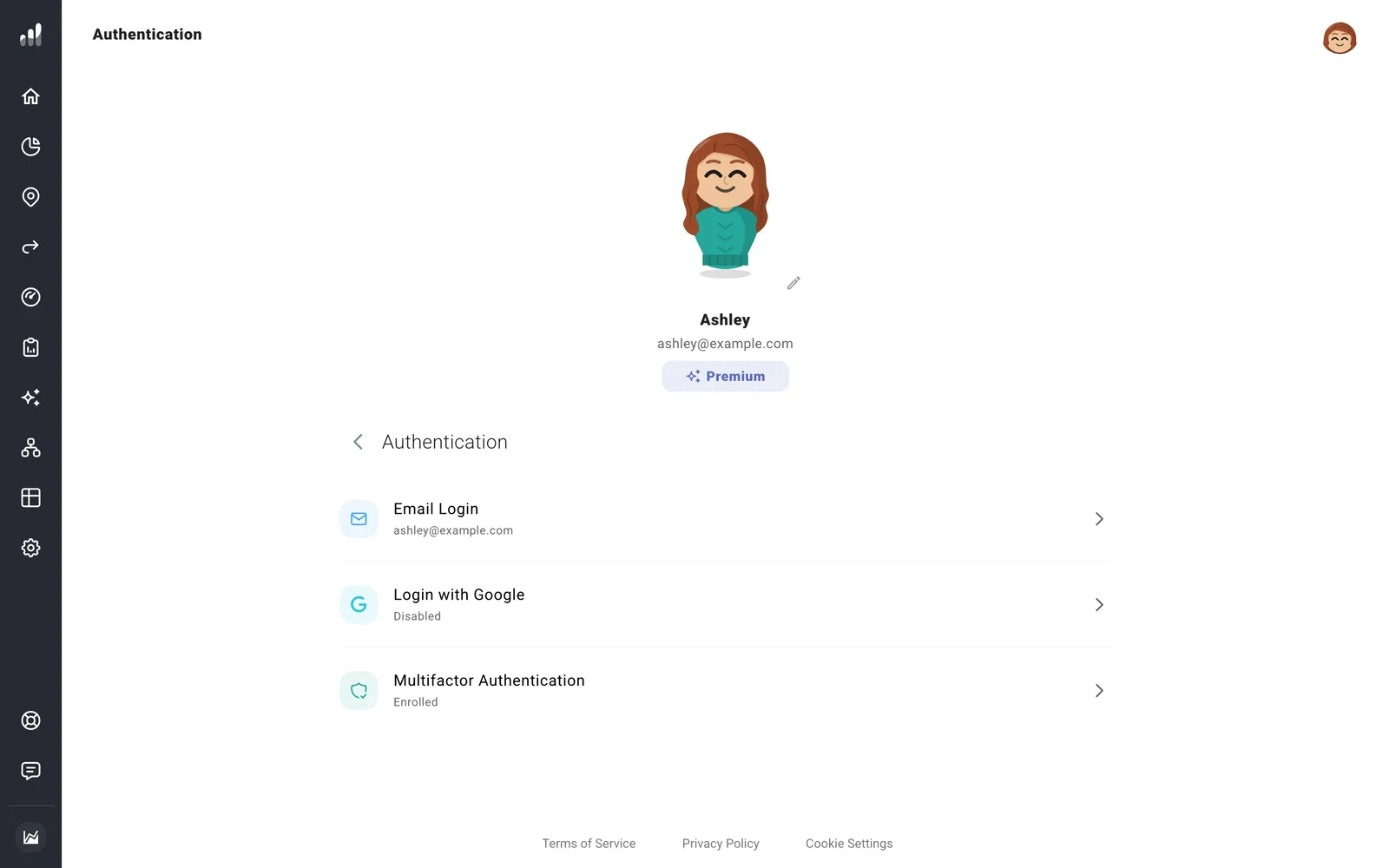
Share your account with a partner
If you and a partner plan together, you can both use the same account so you’re always looking at the same plans. Each of you can sign in your own way: for example, one with Google and the other with the account’s email and password. Turn on both methods above, then share the email login with your partner.
Changes either of you saves show up for both. If two-factor authentication is on, whoever signs in will need the verification step too. You can enroll both an authenticator app and SMS, so each of you can have your own way to verify.
Change your email or password
Under Email Login, select Email or Password to make the change. Reset Password sends a link to your current email instead.
If two-factor authentication is on, changing your email also requires verification at the new address and another sign-in before it takes effect.
If something looks off
Disable Email Login or Disable Google Login is unavailable
Set up the other sign-in method first. Your account needs at least one way for you to sign in.
I used the other method and found an empty account
You may have opened a separate account. Check your account details before entering your plan again. Link methods from Authentication while signed in to the account you want to keep.
I can’t access the old email or verification method
Contact support so we can help with recovery.
