Plan for a surviving partner
A surviving partner may have fewer expenses, but also less income and a different tax bill. Set a life expectancy for each of you to include those later years in your plan.
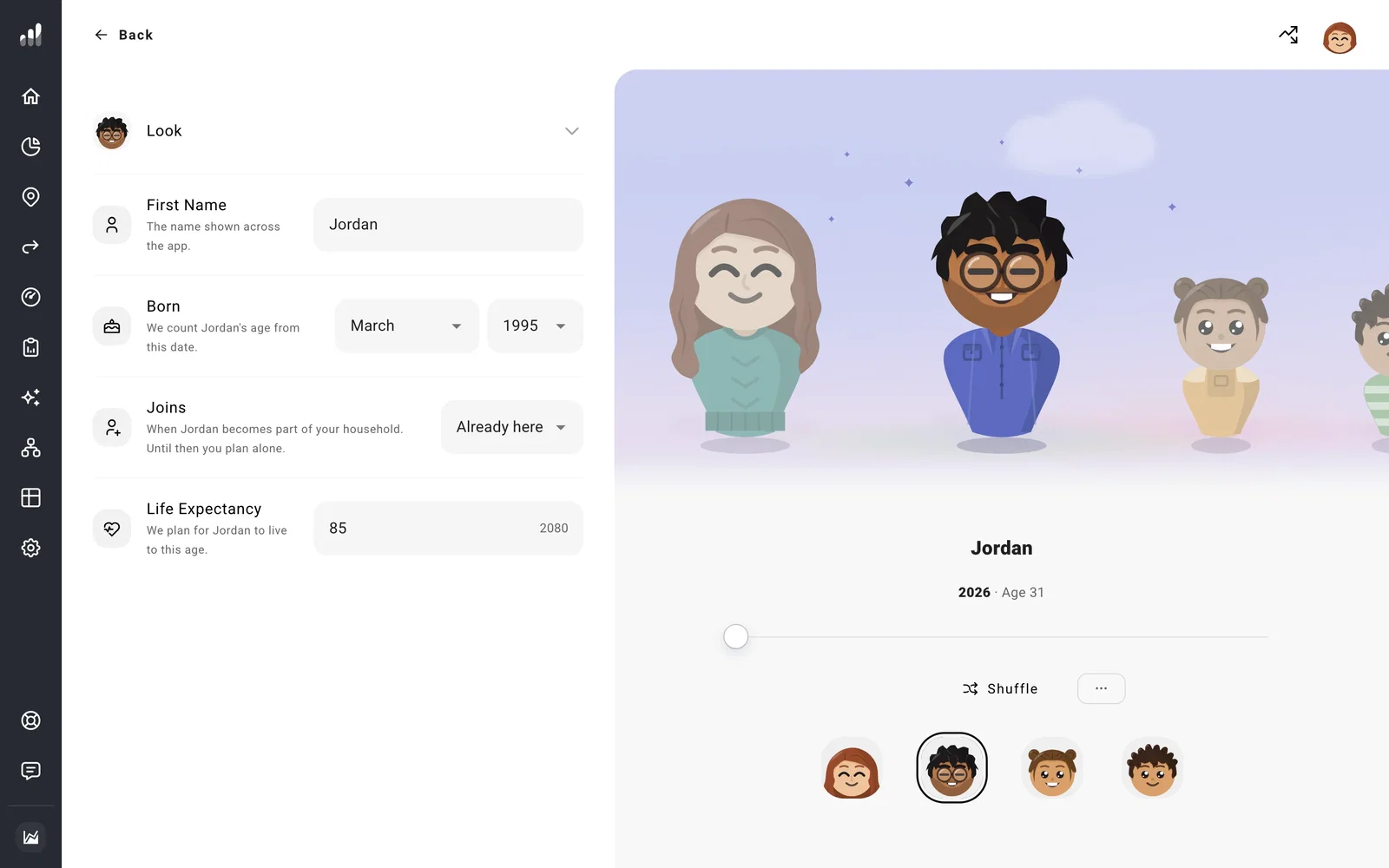
Open Household, select each partner, and set Life Expectancy. Your plan runs to the later life expectancy date. Each person remains in your plan through their life expectancy year; survivor changes begin the following year.
Set spending for one person
Open Plan > Expenses and decide which costs should continue. Housing and property costs may stay much the same, while travel, food, or other spending may change. End an expense at the first partner’s life expectancy, or use Change Over Time for a different amount in the later years.
Add any one-time costs you want to include, timed to the same milestone. Changing the life expectancy then moves those costs with it.
Include the surviving partner’s income
ProjectionLab ends the deceased partner’s income and includes eligible Social Security and Canada Pension Plan survivor benefits. For Social Security, the survivor receives the applicable larger benefit in place of the couple’s two payments.
If a pension continues to the survivor, add those payments as a separate Pension Income in their name, starting after the first partner’s life expectancy. Enter the amount they would receive.
Open Cash Flow in the following years to see how the remaining income and savings cover spending. Tax Analytics shows the change to filing status and taxes.
See what happens to the accounts
Accounts, property, and debts owned by the deceased partner, including joint holdings, pass to the survivor. On Net Worth, make sure each holding has the owner you intend. In US plans, ownership and state rules also affect the cost basis used for capital gains tax after inheritance.
Estate shows what your household may leave at the end of your plan, after the later life expectancy. The survivor years between the two deaths are part of your normal forecast.
