Choose who is included in each plan
Use a separate plan to explore a future child or partner while keeping your current household as it is.
Keep someone in one scenario
Copy your Main Plan, then go to Household and add the future person. Under In your plans, choose This Plan. They will appear in this scenario while your other plans keep their existing household.
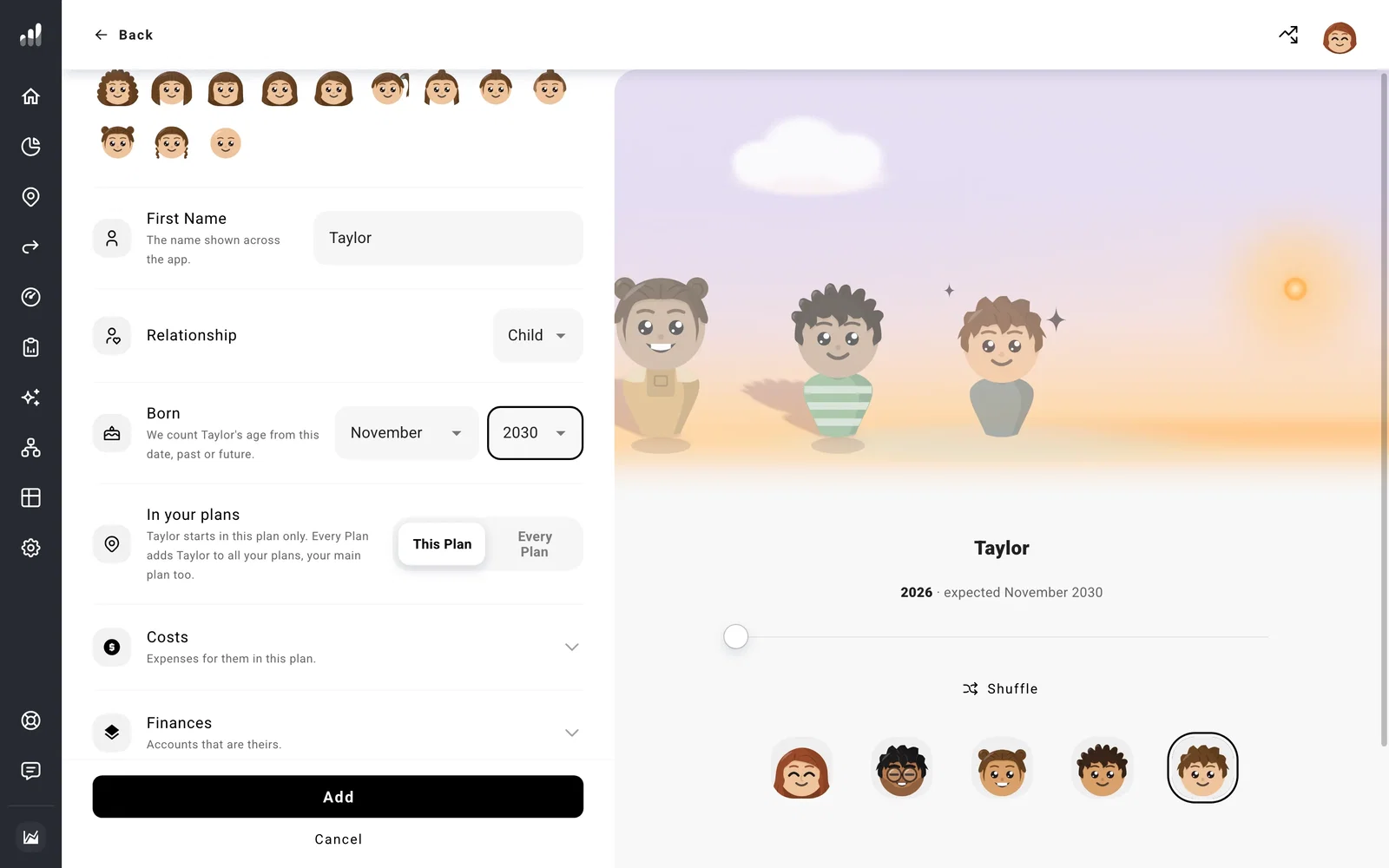
Choose Every Plan when they belong in your shared household. This adds them to your Main Plan too. Their costs and milestones stay in the plan where you created them, so add those to your other plans where they apply.
You can also try a different arrival date or life expectancy in another plan.
Plan without a partner
In Household, open your partner’s menu and select Plan without partner. Read the confirmation to see which plans will change.
Your partner’s own income, costs, purchases, and milestones stop. Shared income and expenses become yours, and your plan updates taxes, benefits, and its end date. Accounts, property, and debts in your partner’s name remain on Net Worth until you change them.
For a separation at a future date, plan a separation instead. You can set when it happens and how joint assets and debts are divided.
Important
Making a scenario your Main Plan can bring its people into your shared household. Read the confirmation before saving, especially if the scenario includes a future child or partner.
Next: Compare
