Add someone to your household
A partner, a new baby, or a parent you help support all change what your plan needs to cover.
Add someone to your household
Go to Household and choose Add a partner, Add a child, or Add someone else. The last option includes parents, grandchildren, and anyone else you want to plan for.
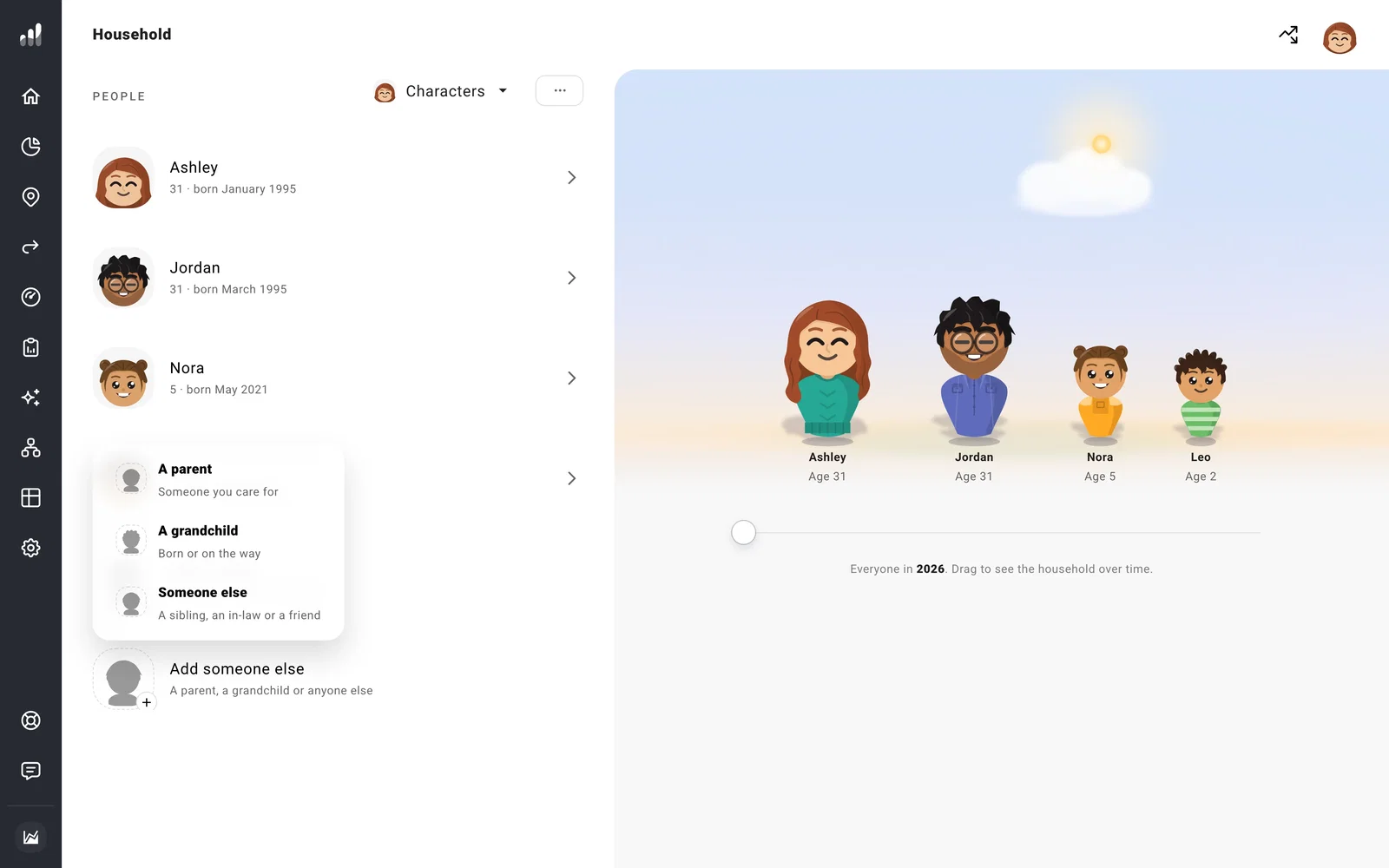
Enter their name and birth month and year. For a future child, use a future birth date. To change your own details or someone already in your household, open their name and edit Born.
To keep a future child or partner in one scenario, add them to a separate plan.
If your partner wants to see and edit the plan too, you can share one account, each signing in your own way.
Planning together without being married
An unmarried partner can be part of the same household. In a US plan, if you file separate tax returns, go to Settings > Tax > Filing Status and choose Filing Separately. Your plan estimates each person’s tax from their income and account ownership.
Plans in one account share today’s finances by default. Custom Starting Conditions lets a plan use different starting accounts and household members. Separate accounts keep your data and sign-ins independent.
A partner joining later
Set Joins to when you expect to share your finances. Under What They Bring, enter the savings, investments, and retirement accounts they’ll bring, in today’s money. Until they join, these amounts rise with inflation only. Their accounts enter your forecast when they arrive.
Keep those balances out of your starting Net Worth so they’re counted once, when your partner joins. For a partner who’s already here, add their accounts on Net Worth and select them as the owner.
Include costs and accounts
Open Costs to add expenses for the person. For a parent you may support, choose Support and set the amount and years you expect to help.
For a child, parent, or someone else, use Finances to add their accounts or education savings, such as a 529. If someone may leave you money, plan an inheritance from their page.
Next: Plan for a child’s costs
