Work with a plan shared by your advisor
Your advisor can invite you into a client profile they’ve already started. You’ll use your own login to open the same planning data they work with.
Accept the invitation
- Open the link your advisor sent and select Next step.
- Create an account or sign in. Check the email shown on the Activate screen so you connect the account you intend to use.
- Select Activate, then Open my plan on the welcome screen.
Important
Activation replaces any planning data already saved in that individual account with your advisor’s profile. It doesn’t merge your old plans. Export a backup before activating if you have data to keep.
If your advisor left the profile blank and gave you edit access, the setup questions help you build it.
Explore or edit the plan
You can move through the charts and try changes. With Can Edit off, those experiments are temporary. Hover over the crossed-out cloud icon at the top to check your saving access. Ask your advisor to enable editing if you want changes to last.
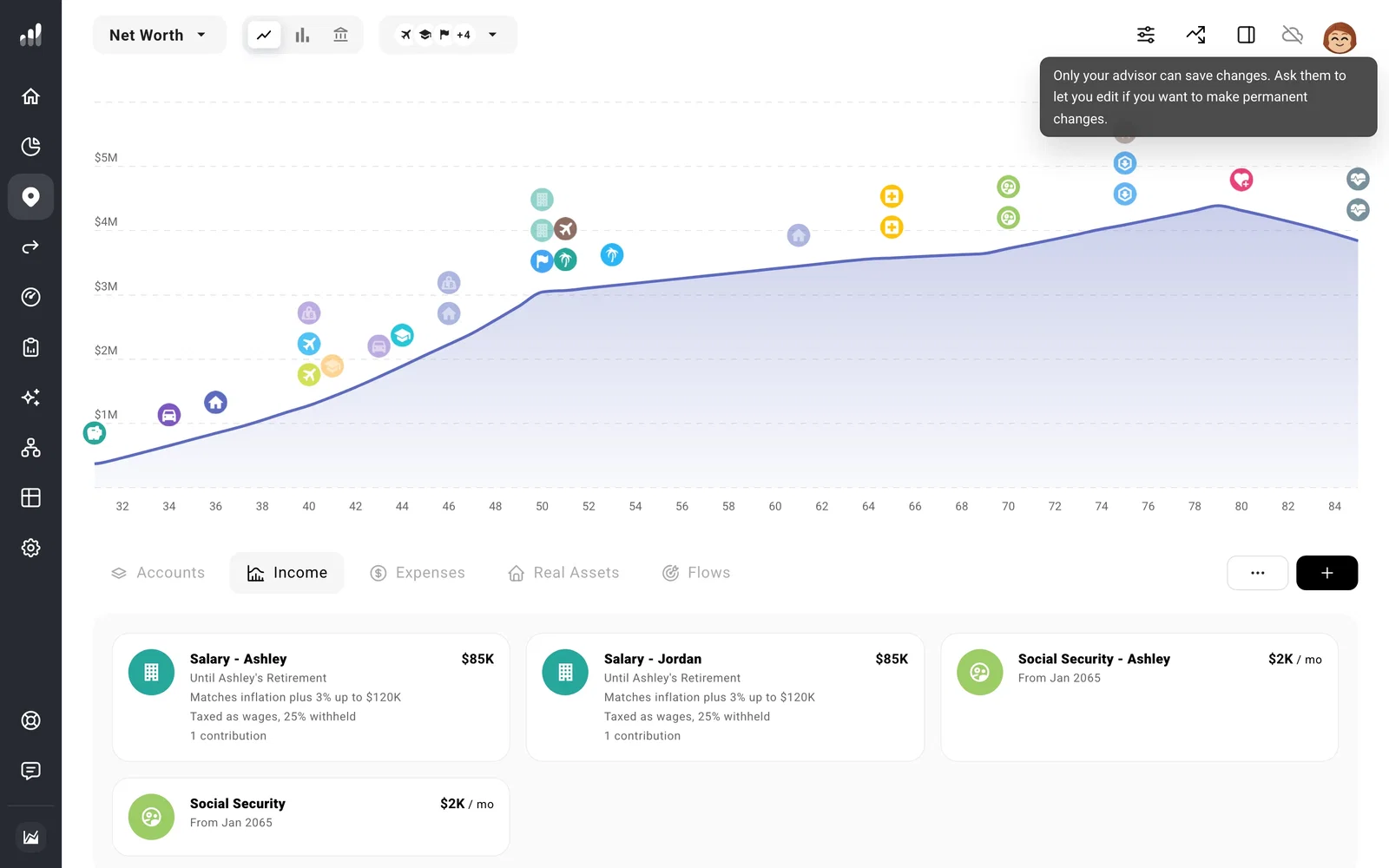
With Can Edit on, saved changes become part of the shared profile your advisor also uses. During a review together, agree on who will edit so you don’t overwrite each other’s work. Your advisor can change this permission later.
If the invitation won’t activate
Check that you’re signed into the intended account. A login already linked to another advisor or an employer can’t accept the invitation as an ordinary individual account. An existing subscription can also prevent activation. Contact support about connecting that account before changing its access.
If the link itself cannot be verified, ask your advisor to check that the profile still exists and hasn’t already been linked, then send its link again.
For what is shared and how to leave with your own copy, see What can my advisor see and change?.
