Use the Events panel
When an income or expense in Cash Flow or Tax Analytics needs changing, open the Events panel to edit it without leaving the page.
Select Events at the top right, beside the chart controls. Open Income or Expenses, then select the item you want to change. Edit its amount, timing, or other settings just as you would on its own page. Your changes update the plan as you edit.
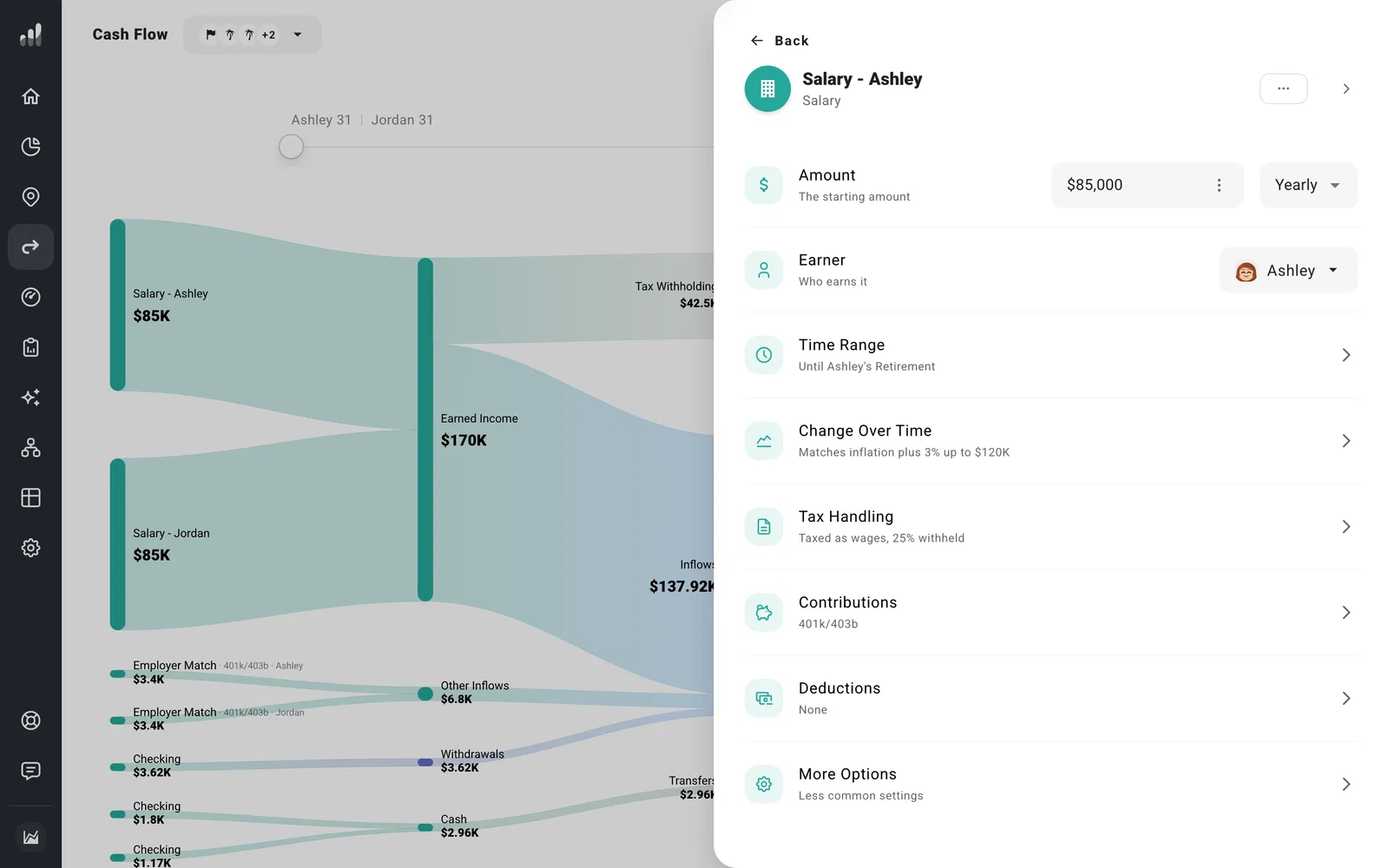
Links inside an event open related items, such as a salary’s retirement contribution. To return, use the button at the top with the previous event’s name. From the event’s main settings, Back returns to the event groups.
For a shorter list without the summaries, select the group’s Dense view button; Detailed view brings the summaries back. Rearrange items lets you drag items into order.
Select the arrow at the top right to close the panel and return to the full chart. You can also use the Events panel on other plan pages, including Estate and Optimize.
