Change or reset your preferences
Choose your theme, how household members appear, and the currency and time zone you use under Account Settings.
Appearance holds the theme and people options. Open Other Settings for display currency, time zone, session, and accessibility choices.
Restore the default settings
Go to Other Settings > Reset Settings and select Restore. This resets appearance and accessibility preferences, shared metrics, and custom plots. Your display currency, time zone, plans, Net Worth, and history stay as they are.
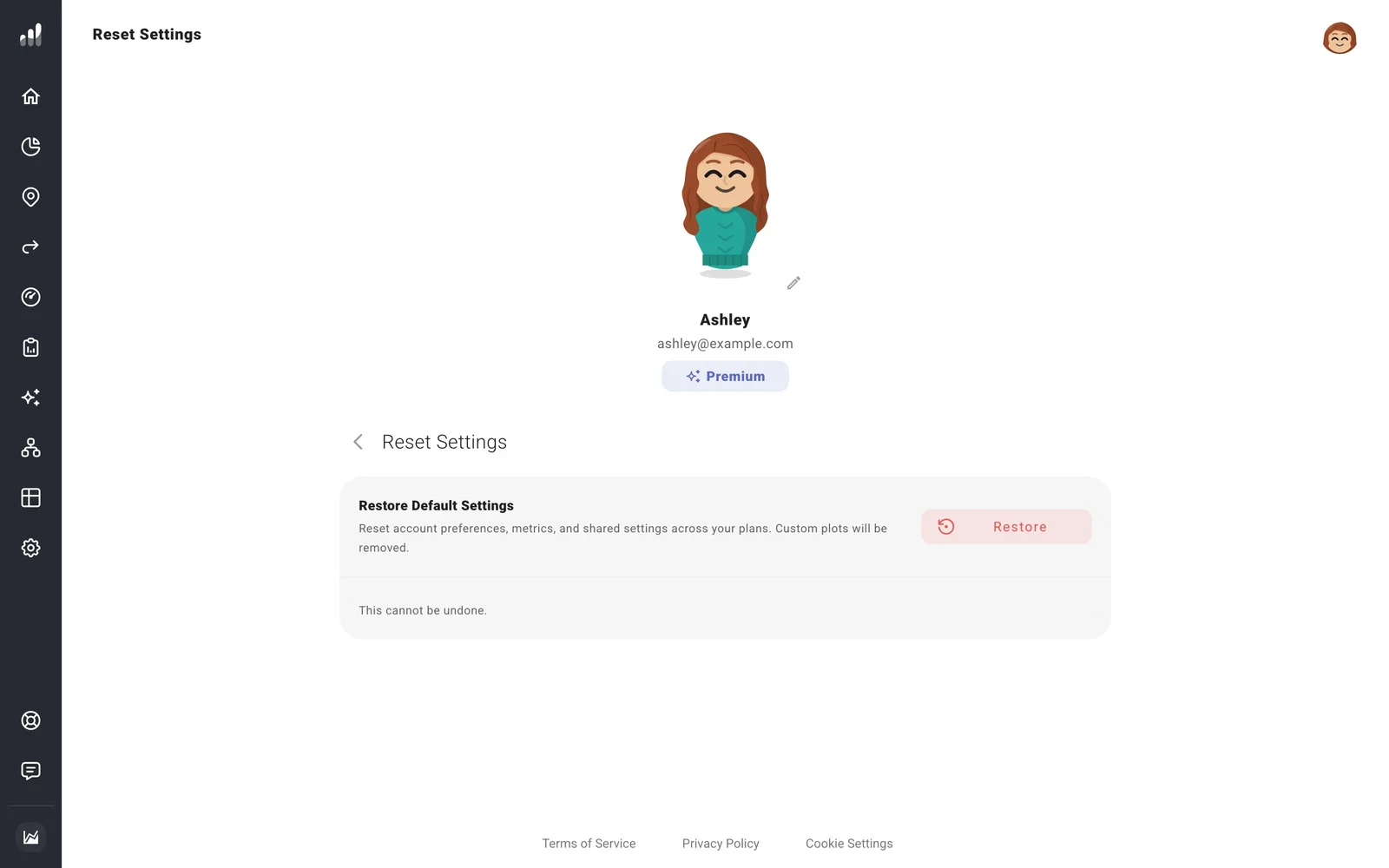
Read the confirmation before continuing; the previous settings are replaced. Export a backup first if you may want to restore them later.
Common questions
Changing the display currency didn’t convert my balances
Display Currency changes the currency shown with amounts. To use another currency, enter your balances and plan amounts in that currency as well; your location still controls the tax rules.
I changed the time zone, but old history dates stayed the same
The new time zone is used for future history entries. Existing entries keep their dates.
I want to clear my plans as well
Use Start Over from Scratch to return to setup with empty planning data.
