Manage Pro seats and billing
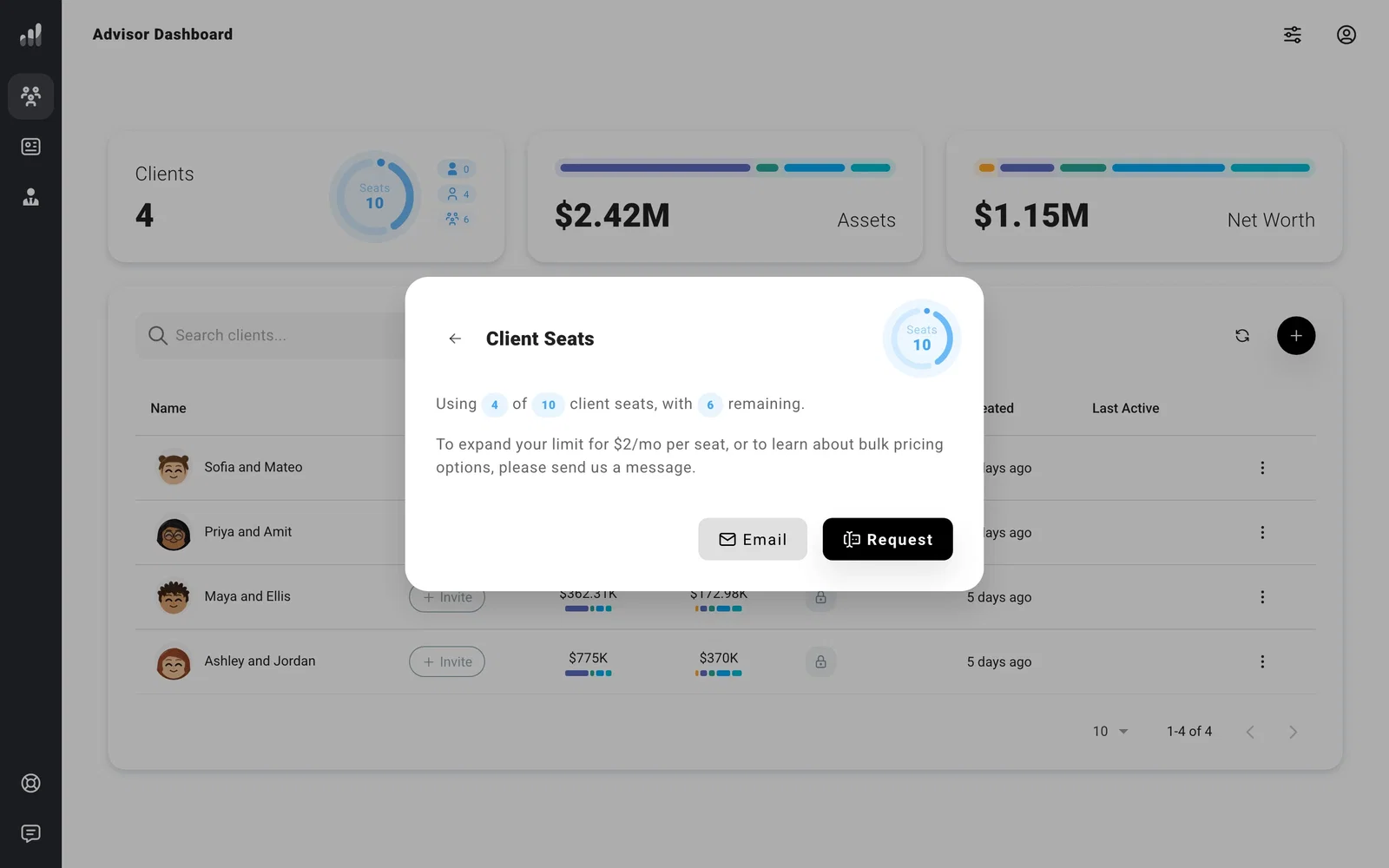
Each client profile uses a Pro seat, whether the client has accepted an invite or you’re still building their plan. The seat gauge on Clients shows how many are in use.
The gauge separates linked accounts from unlinked profiles. Select it to open Client Seats and see your remaining capacity. To ask for more seats, select Request and send the message in the form. We can confirm availability and pricing for your account before anything changes.
Your Pro subscription and payment method belong to your advisor account. From the Pro dashboard, open Account Settings > Subscription to review the plan, update payment details, or find cancellation controls. If you’re inside a client profile, use Back to Pro first. The settings inside a client are scoped to that profile.
To free a seat, remove a client profile. Unlinking an account keeps the advisor’s profile and its seat; resetting its planning data doesn’t free the seat either.
