Set up or recover two‑factor authentication
Add an authenticator app or text-message verification to protect your account when you sign in or change sensitive settings.
Go to Account Settings > Authentication > Multifactor Authentication. Verify your email if prompted, then choose Authenticator App or SMS. You can enroll both.
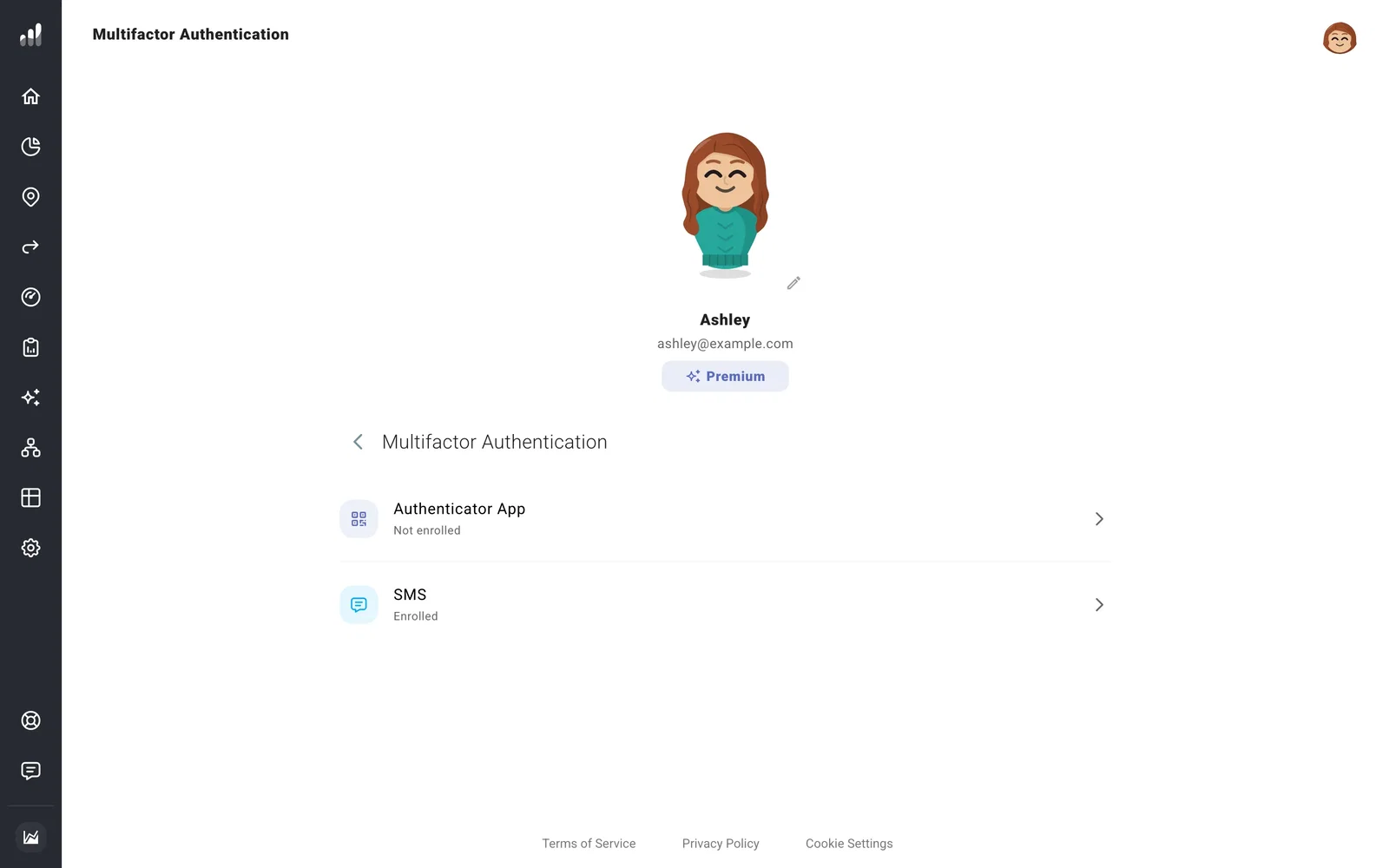
For an authenticator app, scan the QR code or enter the setup key, then enter a code to finish enrollment. For SMS, enter your phone number, request a text, and enter the code it sends. Keep the codes, QR code, and setup key private.
Before replacing your phone, add another method while you can still sign in. Test it before removing access to the old device or number.
If something looks off
My authenticator code isn’t accepted
Use a fresh code from the entry for this account. If another enrolled method is available, use it to sign in and manage the authenticator setting.
I’ve lost access to every method
Contact support for help recovering access.
