Manage your subscription and payment details
Your next payment, subscription plan, and payment method are under Account Settings > Subscription.
Change your plan or payment method
Select Change beside Change Plan to choose another plan, then confirm the price shown. The payment provider may prorate the charge. Changing plans removes an existing discount, so take that into account before confirming.
To change your card or PayPal account, select Update beside Payment Method and finish the provider’s secure form. Paddle processes payments and handles applicable sales taxes using your billing details.
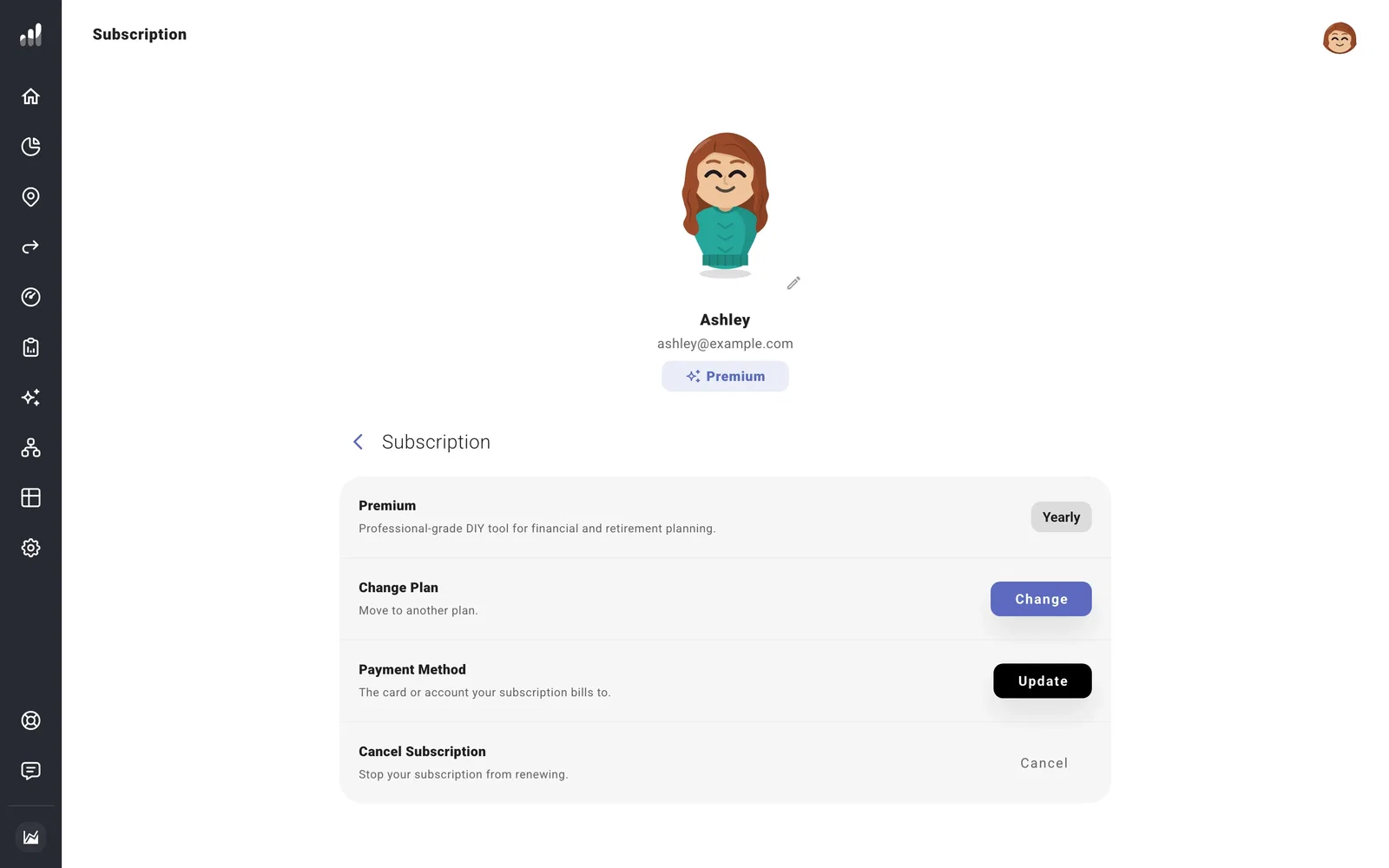
To stop the next renewal, cancel your subscription. Your paid features stay available until the end date shown in Subscription.
Common questions
My payment failed
Update your payment method and give the provider time to retry. If the account shows Past Due or Paused, check the subscription status before buying another subscription.
I paid, but this account shows Basic
Check that you’re signed in to the account used at checkout. Fix a subscription that isn’t showing up covers account and connection checks.
I have a gift or employer-provided access
Subscription shows the access attached to your account. A gift has an expiration date rather than a renewal; employer-provided access is managed through the employer.
