Getting Started
Welcome to ProjectionLab! 👋
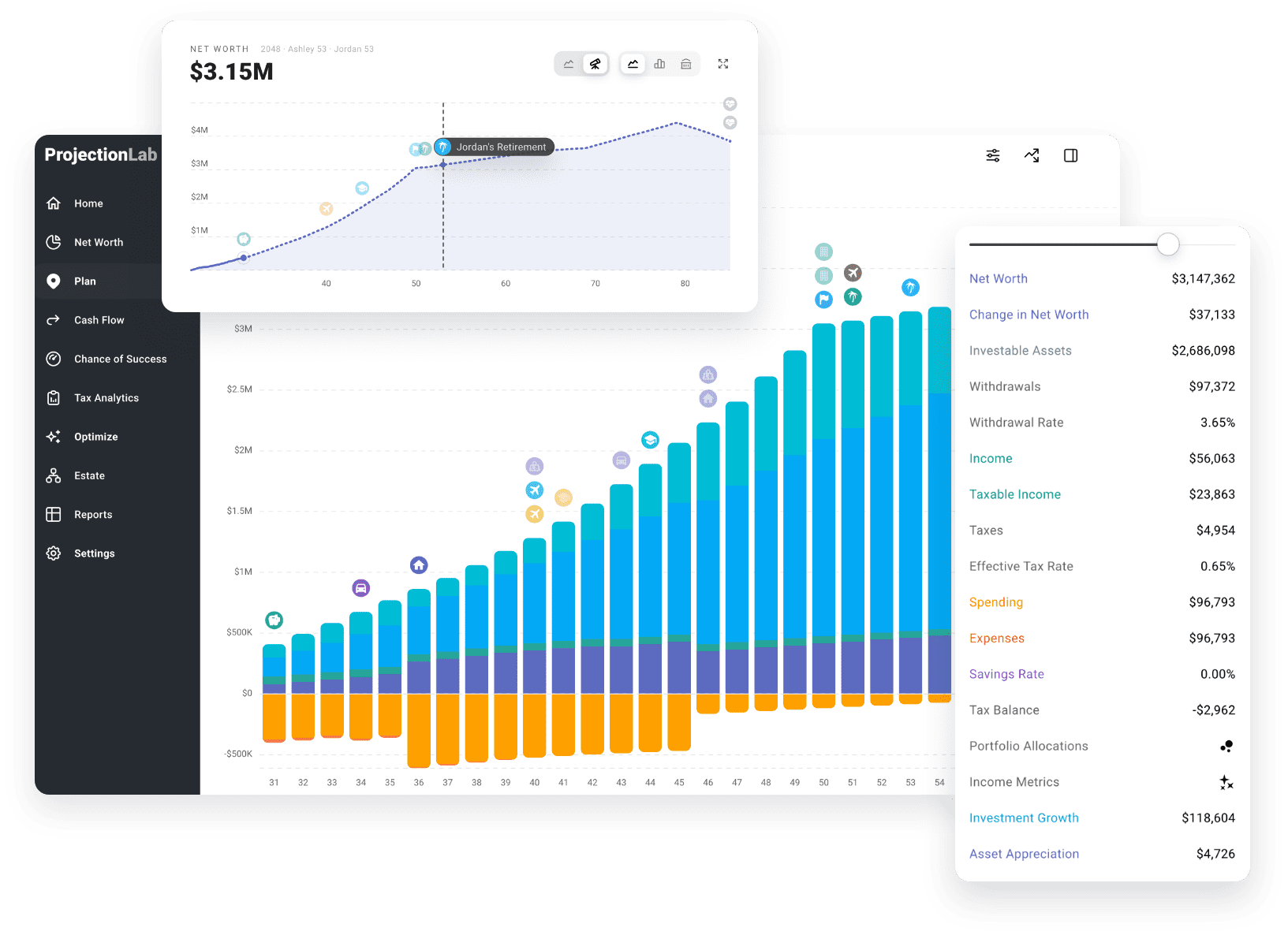
Let’s see where your money can take you. Maybe you’re wondering when you can retire, take a sabbatical, or buy your first home. ProjectionLab lets you test those what-ifs, see the tradeoffs, and build a plan for the life you want.
Setup takes a few minutes, and you don’t need exact numbers. Round totals are fine, and you can fill in the details later.
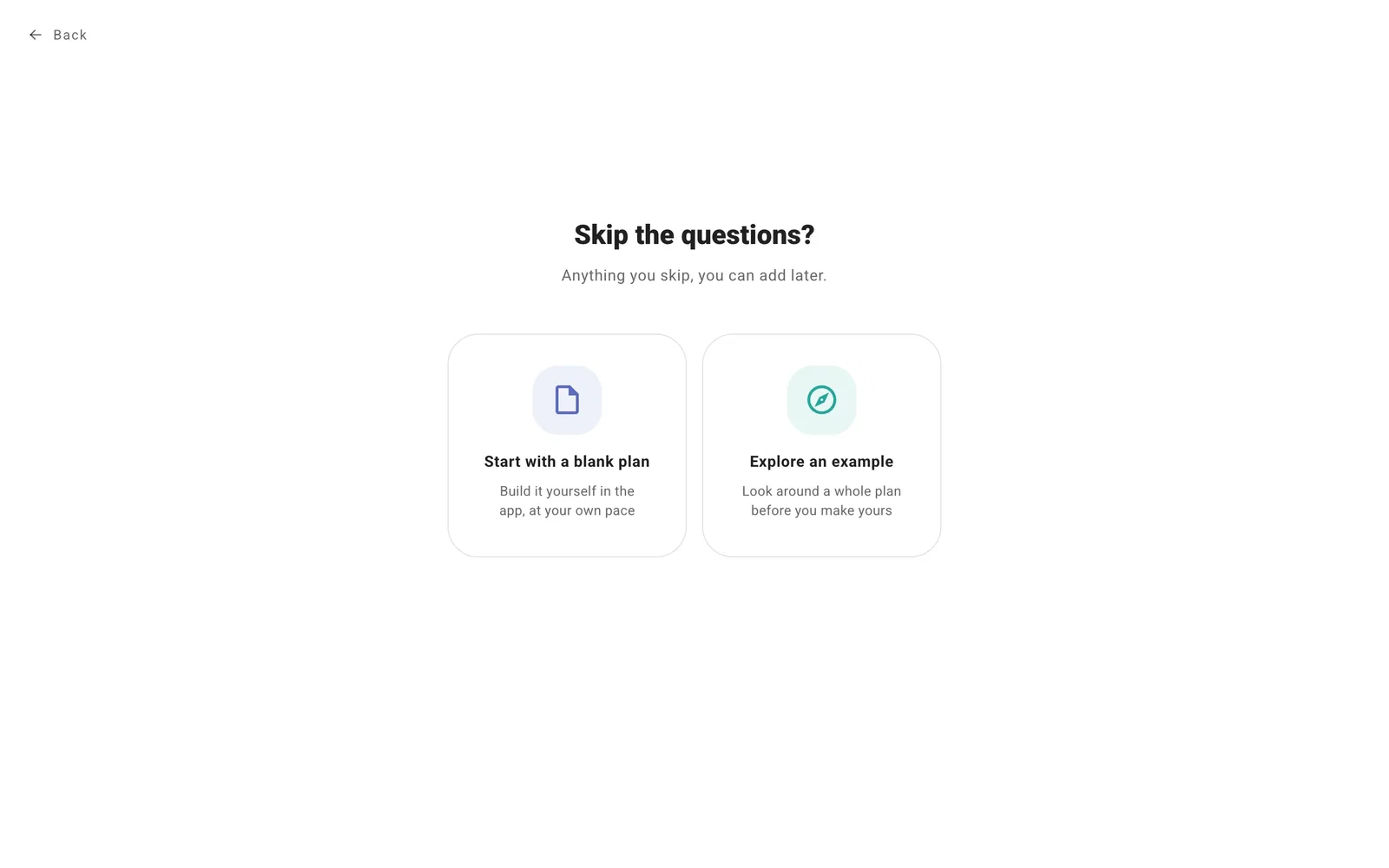
Choose how to start
Build your own plan. After you sign up, a short walkthrough asks about your household and finances, then builds your first plan from your answers. This is the best place to start if you want a plan based on your own situation. The steps are below.
Explore an example. Want to look around first? Select Skip setup, then Explore an example. Examples are ready-made plans for people at different stages of life, so you can try things out without entering your own finances.
While you’re in an example, select Example (the compass icon, top right) whenever you’re ready for what’s next:
- Explore another example switches to a different one. It replaces the current example, including any changes you made.
- Start my own plan clears the example and takes you back to setup. Select Delete the example and start to build a plan with your own details.
- Keep this one as my plan makes the example yours, so you can swap in your own details.
Start with a blank plan. Select Skip setup, then Start with a blank plan to skip the walkthrough and add everything yourself. It’s best if you already know your way around ProjectionLab.
Step 1: About you
The walkthrough starts with who you’re planning for. Add yourself, plus a partner or children if you want them in your plan. Check the birth dates, add names, and even build a personalized character. Birth dates decide when retirement and benefits show up in your plan.
Tip
You can edit your characters later, or switch to silhouettes or icons in Household settings.
Then choose whether you’re working, retired, or not working right now, and where you live. Your answers decide which questions come next and how ProjectionLab estimates your taxes.
Step 2: Your finances
Enter totals for your savings, investments, home value, and debts. You can add individual accounts or rental properties and adjust balances later.
Add your income and any retirement contributions. If you’re retired, you’ll see pensions and government benefits instead of a salary.
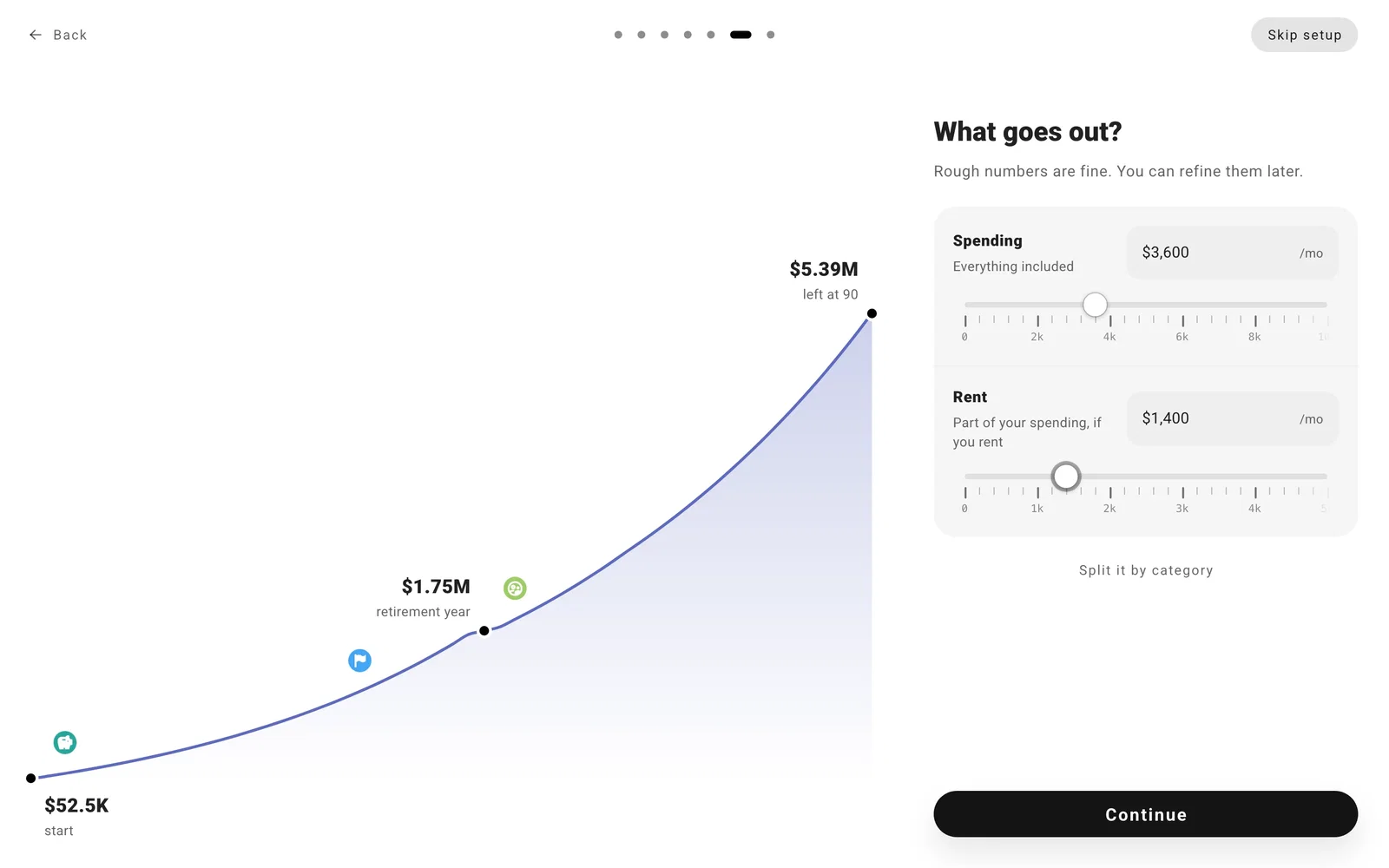
For expenses, enter what you spend in a month. Select Split it by category now, or enter one number and let ProjectionLab estimate the breakdown. You can adjust it later.
Note
Rent is part of your spending total. If you added a mortgage or other debt, leave those payments out so they aren’t counted twice.
Step 3: Retirement and life expectancy
Choose when you might stop working and how long you want your plan to run. If you’re working, move Stop Working At to an age you’re considering and watch the preview change. Try a few years earlier or later to see the difference.
Set Plan Until to the age you want your plan to cover. If no one in your household is working, this may be the only age you need to set. You can change both later.
When you’re ready, select Open my plan.
